QuickBooks for Shopify: A Simple Guide for Store Owners
Sophia
Senior content writer
Tue Nov 18 2025
Get in touch with us
If you’ve ever tried running an online store, you know it’s not just about putting up nice pictures of your products and waiting for orders to roll in. It’s exciting until you hit the money side of it.
Shopify makes the selling part easier, undoubtedly, but the moment you try balancing your accounts, it becomes tricky to keep track of numbers & sales, sort invoices, and manage taxes.
That’s why people who sell on Shopify often reach for accounting help. QuickBooks Software is one of the most popular choices because it just handles the chaos better.
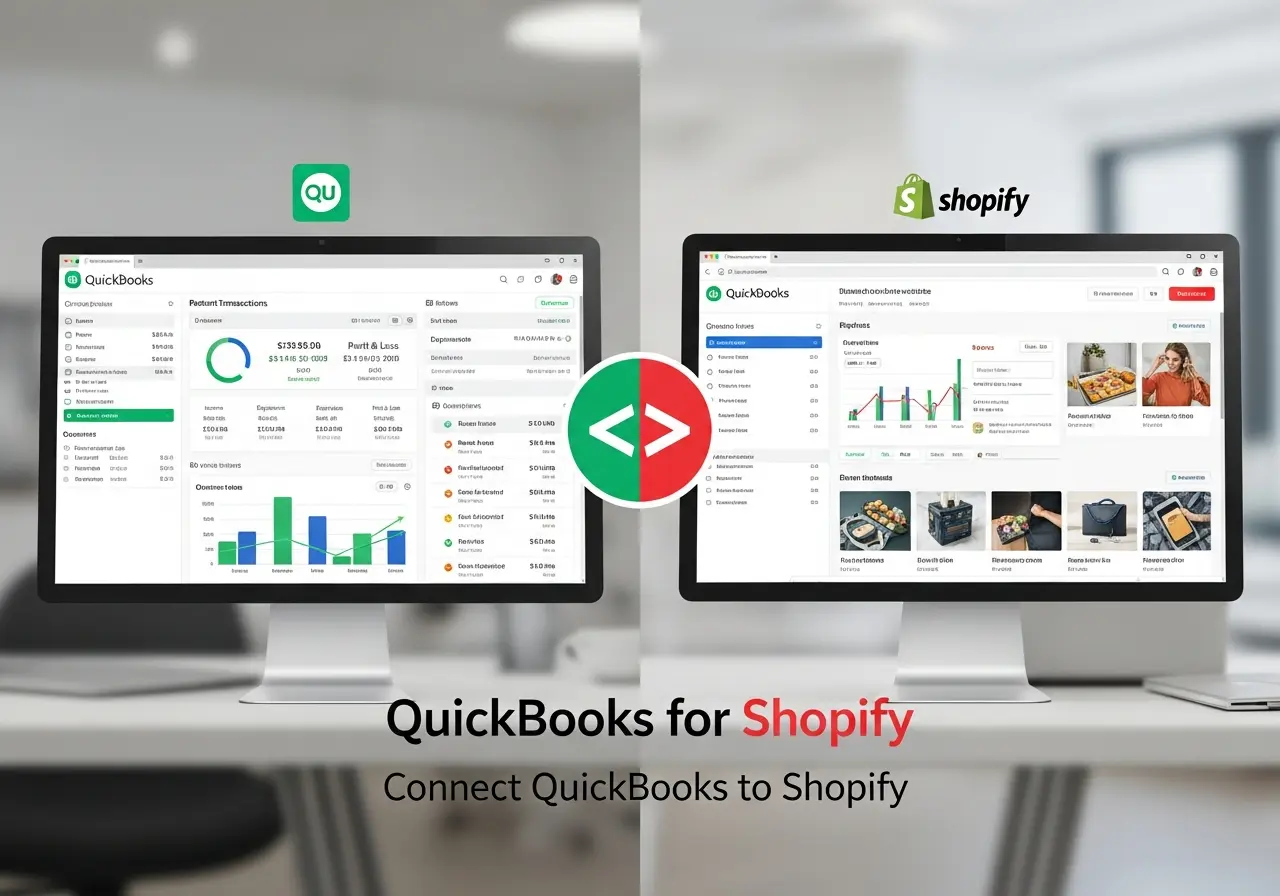
So instead of fighting with spreadsheets or juggling apps that don’t sync, connecting Shopify to QuickBooks is kind of like cleaning up your whole back office in one go.
What is Shopify
Shopify is basically a toolkit for selling online, with around 5.54 million live stores in 2025 (January), representing almost 27% of worldwide online websites. Rather than creating an entire website from scratch, you can just set up an account, add your products, design the online store, and get started with built-in modules for payments, checkouts, discounts, and shipping.
Besides being an all-in-one e-commerce platform, Shopify also offers POS (Point-of-sale) systems and AI tools to manage the entire workflow.
But what really makes it shine is its user-friendly interface and drag-and-drop features that attract over 4.6 million active users daily, along with 700 million steady customers.
Overall, Shopify is thriving in the e-commerce world this year after exceeding $ 10.014 billion (June 30, 2025).
Simplify Your Accounting
Make bookkeeping effortless by automating sales, inventory, and tax tracking directly from Shopify to QuickBooks.
Why Connecting Shopify with QuickBooks Software Matters
Honestly, you could run Shopify by itself, and plenty of people do. It’ll give you sales data, while you've still got expenses, taxes, refunds, and profit to think about. That’s where QuickBooks Accounting Software ties in.
No Double Entry: Gone are those days when we used to copy-paste or retype numbers, as every sales and expenses now automatically sync into QuickBooks.
Clear Insight: Look at the bigger picture. Instead of only showing Shopify sales, QuickBooks pulls it all together, including profit, loss, bills, and invoices, all in one place.
Saves Time: Store owners can save the hours they used to spend on copy-pasting or calculating and focus on product quality, customer relationships, and ultimate growth.
So the connection isn’t just a convenience. For a growing Shopify business, it’s pretty much essential.
Features Make QuickBooks Online Useful for Shopify Sellers
Let’s talk about what you’ll actually get once everything’s connected. QuickBooks offers multiple features, but for Shopify owners, a few stand out.
Profit at a Glance: In lieu of squinting at random reports, QuickBooks Online shows a clear profit and loss snapshot. You just need to log in through your verified account to instantly know how much you made.
Tax Deduction: Taxes are no different from nightmares when you are selling across different states or countries. But with QuickBooks keeping track of everything, including shipping supplies, packaging, and ad spend, you won’t miss out on deductions when tax time comes.
Bill Management: Though Shopify handles the entire selling, you still have bills to pay - suppliers, subscriptions, and even electricity when you run a warehouse. QuickBooks lets you track those bills and even pay them right inside the system.
Invoicing: Sometimes your Shopify sales are straightforward, but maybe you also do bulk orders or custom requests. QuickBooks lets you create and send invoices so you’re not chasing customers over email.
E-Commerce Tracking: Because it’s tied to Shopify, QuickBooks Cloud allows you to track all your orders in the software, regardless of whether you have multiple sales channels.
Basically, QuickBooks is like having an accountant in the background while you focus on actually selling.
Save Time, Reduce Errors
Say goodbye to manual data entry. Sync your Shopify transactions in real time and focus on growing your store.
QuickBooks-Shopify Connector (OneSaas)
Now, Shopify and QuickBooks won’t connect to each other magically. Well, we have a bridge between these two systems: the QuickBooks Connector app. Originally built in 2008 by Corneliu I. Tusnea, The App is now acquired and merged into Intuit QuickBooks. Overall, it offers seamless connectivity by automatically syncing data between your Shopify account and QuickBooks Online.
Step-by-Step Method to Connect QuickBooks Online and Shopify with the Connector
People often get nervous here, but it’s just a few steps.
You first need a QuickBooks Online account, and it’s step one.
Go to the Apps section and click on the Find apps tab.
Find the Shopify Connector by Intuit app, and press the Get app now button.
It will redirect you to the OneSaas tab in QuickBooks Connector.
Now, find out and select the option Connect to Shopify.
You can see a page where you need to enter your domain’s URL.
Now, press Connect to Shopify after finishing the process.
As the last stage, just sign in to your Shopify store, and you can see that your account gets connected with the Connector file.
So, that’s it. No coding and no complicated setup. Once it’s running, you don’t have to think about it again unless you want to adjust something.
At the end of the day, always remember, numbers can make or break a business. Selling products on Shopify is the easy part, but figuring out the actual money flow is the harder bit.
That’s why linking it to QuickBooks Software is the best solution you can get, and with the help of our dedicated team at Penieltech, setting it up doesn’t have to feel overwhelming.
If you’re serious about taking your e-commerce game up a notch, contact us today to make that bridge between Shopify and QuickBooks work smoothly.
Gain Clear Financial Insights
Monitor profit, cash flow, and performance instantly with accurate QuickBooks reports tailored for eCommerce.
Related Articles
Explore more insights, ideas, and practical knowledge from our latest writings.