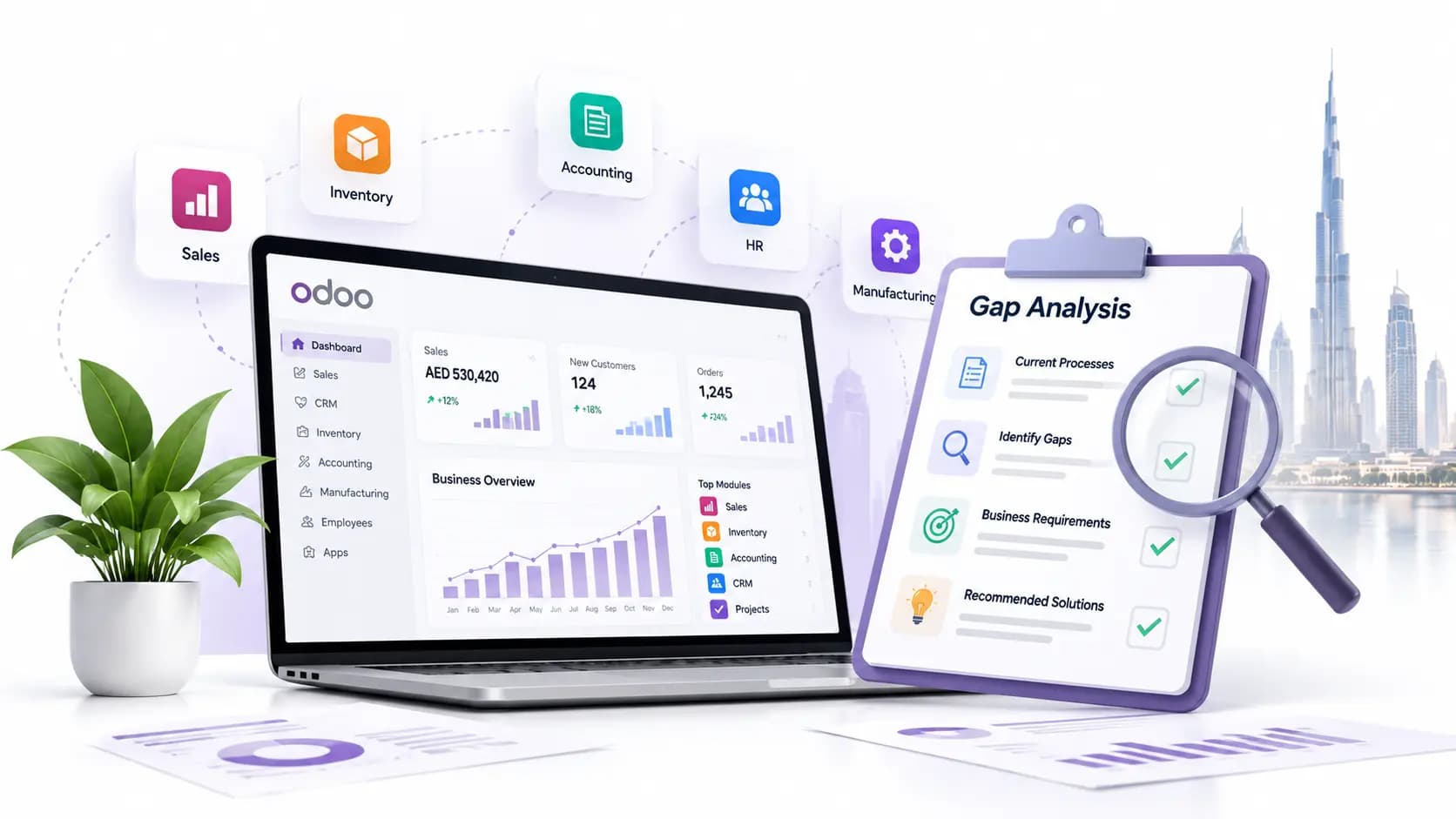
How to Audit Your Existing Odoo Database Before Re-Implementation
N
Namrata
Author
Published: 06 Nov 2026
Last Updated: 06 Nov 2026
Approx. Read Time: 10 mins
Many UAE businesses decide to re-implement Odoo because the first setup no longer matches the way the company actually works. That decision makes sense and the part that deserves more attention is the existing data.
Before re-implementing Odoo, audit the database you already have. Check duplicate contacts, opening balances, VAT setup, TRNs, old custom modules, user access, and unfinished transactions. Then decide what should move, what needs cleaning, and what belongs in an archive. Clean data makes the new setup far easier to trust later.
An Odoo database audit tells you what is worth migrating, what needs correction, and what belongs in an archive. Without that review, old customer duplicates, outdated tax settings, unused accounts, and years of transaction clutter simply move into a newer system.
Why Does an Odoo Database Audit Matter Before Re-Implementation?
A proper audit gives your Odoo re-implementation in the UAE a reliable starting point.
First, start with finance. Duplicate contacts can split receivables across two customer records. Similarly, an incorrect opening balance can affect every report that follows. Old chart-of-accounts entries can also make management reports far harder to read than they need to be.
Then there is UAE compliance. VAT records generally need to be retained for at least five years under UAE tax rules, with different retention periods applying to certain records. Your archive policy therefore needs to separate removable operational clutter from information that must remain available for tax purposes.
TRNs also deserve close attention. UAE VAT TRNs contain 15 digits, and supplier/customer registration details should be checked against reliable records rather than accepted simply because a number exists in Odoo.
A re-implementation also differs from a fresh Odoo project. You inherit years of configuration decisions, custom modules, workarounds, permissions and historical transactions. Some are still useful, but some became unnecessary as Odoo itself improved.
Step-by-Step Odoo Database Audit Checklist
1. Define the Scope and Back Up Everything
Before touching records, define exactly what you are auditing. It can include accounting, CRM, sales, purchase, inventory, HR, manufacturing, projects or the whole database.
Take a complete backup and preserve the database and filestore. Attachments, documents and binary files can live in the filestore, so a database dump alone is not always enough for a complete working copy.
Run the audit on staging rather than production.
Document the current Odoo version, hosting model, installed applications, third-party modules and custom modules. For Odoo.sh, staging environments are specifically designed for testing with production data.
2. Review Master Data Quality
This is where Odoo data cleanup usually produces the quickest improvement. Review customers, suppliers, employees, products and contact addresses. Look for duplicate records, inactive accounts, missing values, inconsistent spellings and old test records.
For a UAE database, check:
15-digit VAT TRNs
company legal names
emirate and country fields
customer and supplier addresses
Arabic and English naming consistency
duplicate contacts created under slightly different names
3. Check UAE VAT and Tax Configuration
Odoo UAE VAT compliance deserves its own audit rather than being treated as part of general accounting cleanup.
Review your 5% standard-rated, zero-rated, exempt and reverse-charge treatments. Inspect tax groups, tax accounts, fiscal positions and product tax assignments.
Compare submitted VAT 201 returns against the reports generated from Odoo for the same periods.
Review free-zone transactions carefully as well. A free zone and a VAT Designated Zone are not automatically the same thing. Designated Zone treatment applies under specific conditions, particularly for qualifying movements of goods.
4. Analyze Custom Modules and Code
Create a list of every custom and third-party module. For each one, ask a simple question: does the business still need this customization?
Odoo’s upgrade documentation requires custom-module code to work with the target version and recommends correcting faulty data, updating configurations and removing unwanted custom modules during upgrade work.
You may find that a customization written years ago now duplicates a standard Odoo feature. Re-implementation is a good moment to simplify the database rather than recreate every historical decision.
5. Audit Inventory, Sales and Purchase Transactions
Review negative stock, old quotations, unfinished purchase orders, stuck deliveries, unposted invoices, returns and transactions without a clear related document. Then choose your migration cut-off.
Your Odoo data migration checklist should state which historical transactions move into the live system and which remain accessible through a controlled archive. Migrating ten years of operational detail simply because it exists usually creates more testing work than business value.
6. Review User Access, Security and Data Retention
Remove dormant user access and review groups, permissions and record rules. Pay particular attention to finance, payroll, HR and administrator accounts.
What Should You Do With the Audit Results?
Classify each dataset into four practical groups: Keep, Clean, Archive or Delete.
Then create a migration map showing the source, target, cleanup action, responsible person and validation method for each dataset.
Maintain a cleanup log as decisions are made.
Run at least one complete test migration and reconcile financial, inventory and tax balances before go-live.
Should You Audit In-House or Use an Odoo Partner?
An internal team can handle the audit when the database is relatively standard, documentation is good, and the finance and IT teams understand both the data and the configuration.
An experienced Odoo partner becomes more valuable when you have several companies, custom modules, manufacturing, complex inventory, legacy integrations, multi-currency accounting or UAE tax configurations spread across years of transactions.
But the important part is ownership. Your finance team still needs to approve balances, tax treatment and master-data decisions.
Conclusion
A successful Odoo re-implementation starts before anyone builds the new database.
Audit what you already have, reconcile the accounting, verify VAT data, question old customizations, and decide what history genuinely deserves migration.
That work is less visible than a new dashboard, but it gives the new system something far more useful: trustworthy data.
FAQs
Should every old Odoo transaction be migrated?
Usually not. Some records matter because your team still uses them. Others only matter for legal, tax or audit purposes and can stay in an archive. Moving years of old operational detail into the live system often creates more checking than practical value.
What UAE VAT details deserve extra attention?
TRNs, tax rates, fiscal positions, VAT accounts and product tax assignments deserve a proper review. It is also worth comparing Odoo reports with previously filed VAT 201 returns.
What happens to old custom Odoo modules?
Review them one by one. Some still solve a real business need. Others were built around an old process or a limitation that Odoo has since handled in a standard feature. Re-implementation is a good time to question old code instead of automatically rebuilding it.
Who should sign off the data before Odoo goes live?
Your internal teams should. An Odoo partner can prepare, clean and migrate the data, but finance needs to approve balances and tax figures. Sales, purchasing and inventory teams should also check their own records. They are usually the first people to spot something that technically looks correct but makes no sense in practice.
Related Articles
Explore more insights, ideas, and practical knowledge from our latest writings.
We work with our global presence and keep our advice practical, response times reasonable, and provide solutions that are aligned with the way local companies operate each day.
Market Context
Deep knowledge of UAE rules and expectations.
Trusted Network
Working connections across businesses, sectors, and communities.
Local Assistance
We have a local team that answers clearly when something genuinely needs attention.
UAE Presence
Our team works from the UAE, supporting companies that keep its economy moving.