Odoo 20 has arrived, and the useful part of this release is not simply that Odoo has added another long list of features.
The more interesting change is how much closer the software is getting to the actual messiness of daily business work.
For example, salespeople want quotations out faster. Similarly, accounts teams want fewer small corrections at month-end. At the same time, warehouse staff want screens that make sense while goods are physically moving. Project managers want to know if a job is making money before the job is practically finished. Most importantly, managers want useful information without opening multiple reports. Odoo 20 connects all of those areas.
Odoo Version 20 was released in September 2026. The release introduces stronger AI agents, accounting changes, improved sales and
inventory tools, construction workflows, project reporting, POS improvements, offline working, and a long list of smaller changes that become noticeable only after people start using the system every day.
Quick Answer: What Is New in Odoo 20?
Odoo 20 is the September 2026 major release of
Odoo ERP. Its most noticeable change is the expansion of Odoo AI from writing assistance into agents that can interact with business records and perform automated actions. The release also adds major improvements across CRM, sales, inventory, barcode operations, field service, construction, calendars, payments and Point of Sale.
What Is Odoo 20?
What matters here: Odoo 20 feels like Odoo removing friction from areas people already use heavily. That matters when deciding if an upgrade is actually worthwhile.
Odoo 20 is the latest major version of Odoo’s business management platform. It covers familiar areas such as CRM, Sales, Accounting, Inventory, Manufacturing, Purchase, Projects, Planning, Point of Sale, Website, Marketing, HR, and industry-specific workflows. The release has a strong AI theme.
The results are improvements to offline work, activities, sales dashboards, manufacturing planning, stock allocation, marketing automation, field operations, construction, website building, project profitability, accounting controls, and POS workflows.
1. AI Agents Can Now Do More Than Answer Questions
What changed? Odoo 20 turns AI agents into working participants inside business processes rather than treating AI mainly as a writing assistant. This is probably the most visible change in Version 20.
- Users can ask AI agents to create records, update existing records, analyse uploaded files, and work with documents linked inside a conversation. Agents can also run through automated and scheduled actions.
There is another useful detail: Odoo now shows live information about what the agent is doing instead of displaying a vague “AI is thinking” message.
- Agents can also ask questions, request permission, or offer suggestions through interactive responses. Odoo has added automatic AI model selection as well, where users choose a provider and Odoo selects an appropriate model for the task.
One commercial detail deserves attention: Odoo states that its AI features now require IAP credits.
2. Accounting Gets Several Quiet but Useful Improvements
For finance teams, Odoo 20 focuses heavily on faster accounting work, cleaner reconciliation, payment processing, invoice follow-up, and simpler configuration.
- Manual reconciliation can now be performed on any account. Odoo has also changed the previous “Allow Reconciliation” setting to “Payment Reconciliation,” helping define which open items appear during bank reconciliation and how exchange-rate differences are handled.
- Data entry receives attention too. As per Odoo, accounting entry is faster through quick reconciliation-model shortcuts and statement transaction batching.
- Customer invoice follow-up has become more practical as well. Finance teams can send reminder messages manually from an invoice or invoice list, while automatic invoice reminders can be configured through Accounting settings.
- Odoo 20 also lets users download generated attachments for selected invoices, including documents such as PDFs and XML files, together in a ZIP file.
- And when emailing invoices, files from Documents or attachments previously stored in Chatter can be added more easily.
3. Paying Supplier Bills Moves Closer to the Accounting Screen
Odoo 20 introduces the ability to initiate bill payments from Odoo through its new PISP interface.
- According to Odoo, businesses can pay bills individually or in batches directly from Odoo using a Payment Initiation Service Provider interface, with a single signature. The value here is straightforward.
Accounting systems often record the payment after somebody has already switched to online banking, prepared the transaction, obtained approval, returned to the ERP, and reconciled everything.
Reducing those gaps between systems gives finance teams fewer points where information needs to be entered twice.
4. UAE Accounting Localisation Receives Important Updates
UAE businesses get specific Odoo 20 accounting improvements, including a redesigned chart of accounts and better onboarding support.
- Odoo says the UAE chart of accounts has been redesigned to align with IFRS and UAE Commercial Companies Law.
- Expense accounts have also been reworked, asset models have been added, and expense account descriptions have been improved.
These localisation details matter because accounting software rarely fails at basic debit-and-credit logic.
5. UAE Payroll Gets More Practical Calculations
Odoo 20 also expands UAE payroll localisation around end-of-service obligations, leave calculations, overtime, and employee benefits.
- Odoo has improved annual-leave and end-of-service provision calculations. Overtime calculations have been improved, and an air-ticket benefit calculation has been added to salary rules.
- Odoo also introduces a calendar-day-based work schedule to support payroll and leave calculations where calendar days form part of the calculation.
- For HR and finance teams, another useful addition is the End of Service Payments report. It allows the business to calculate the total end-of-service liability for one or several employees at a particular point in time.
6. Inventory Gets Better Allocation and Historical Visibility
Odoo 20 improves inventory planning through a redesigned allocation process, historical stock views, CMR documents, and stronger intercompany flows.
- The allocation process now includes allocation directly from the forecast report, along with a redesigned allocation report.
- Historical inventory analysis is better too. Users can choose a past date in the stock report and view inventory at an exact timestamp while retaining their filters.
That solves a very ordinary warehouse question: “What did we actually have at that moment?”
- Current stock is easy. Reconstructing yesterday's position after receipts, deliveries, transfers, adjustments, and returns have happened is where warehouse discussions become uncomfortable.
- Odoo 20 also adds pre-filled CMR transport documents based on transfer information.
- Intercompany inventory flows receive several improvements. One company can resupply another through routes, fulfil a sales order from another company's warehouse, and communicate changes between linked sales and purchase orders more effectively.
- Product valuation costs are also transferred appropriately between companies.
For UAE groups operating several legal entities or warehouses, that deserves a close look.
7. Marketing Automation Becomes More Event Driven
Odoo 20 gives marketing teams a visual workflow builder, AI-assisted campaign creation, webhooks, and a much wider set of campaign triggers.
- Campaigns can now respond to events such as page visits and mailing-list subscriptions.
- Triggers can also work around dates, anniversaries, webhooks, and on-demand actions. New actions include collecting an activity or waiting until a value changes.
- Odoo has added a drag-and-drop workflow builder as well.
8. Website AI Becomes Much More Hands-On
The Odoo 20 Website AI Assistant can create pages, edit menus, work with forms, use database records, add interactive elements, and reference other websites for design inspiration.
- Users can ask the assistant to create full webpages or modify existing sections.
- It can work with snippets, images, forms, menus, counters, tabs, toggles, and animations. It can also use information already stored in the Odoo database, such as products or events.
- There are AI-generated or AI-modified website blocks inside the editor. This makes website creation faster, especially during early drafts.
9. Field Service Now Works Inside Planning
One of the bigger structural changes is the closer relationship between Field Service and Planning.
- According to Odoo, Field Service operates inside Planning, with interventions handled through scheduling tools.
- Teams can drag and drop work into the calendar, calculate travel time, use map views, and view field-team locations. There are also calendar synchronisation and offline working, allowing records to be viewed, edited, or created without a connection and synchronised again later.
- That is particularly relevant for companies whose work happens on customer sites.
10. The Construction Feature Gets More Dedicated Odoo Functionality
Odoo 20 provides support for construction and project-based operations with cost quoting, work breakdown structures, worksite stock locations, and progress tracking.
- With Odoo 20, you’ll get cost-based quotation tools along with a dedicated cost update widget.
- Apart from anything else, a Work Breakdown Structure view is available from sales orders and projects. This makes it easier to organise and schedule project work.
- There are also dedicated worksite stock locations that help track material assigned to construction locations. It includes on-site delivery and drop-shipping.
11. Point of Sale Gets Better Restaurant Operations
Odoo 20 also improves POS workflows, particularly for restaurants and hospitality businesses.
- There are redesigned floor-plan editors, automatic combo handling, easier temporary management of unavailable dishes, and customer notes that can appear on kitchen screens.
Should UAE Businesses Upgrade to Odoo 20?
The answer depends more on the current system than on the Odoo 20 feature list.
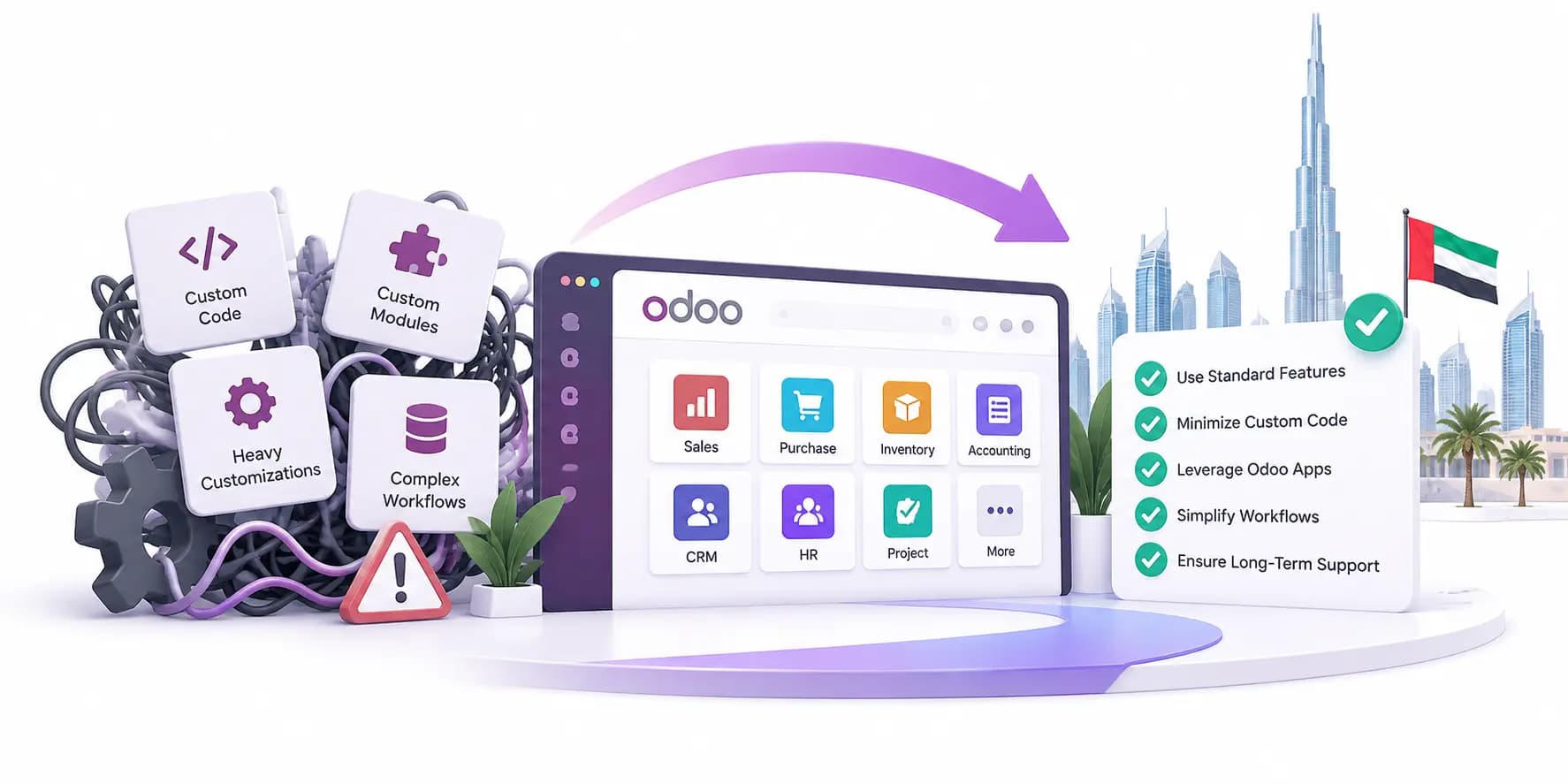
A company running an older, lightly customised Odoo environment has a different upgrade problem from a business with years of custom modules, third-party connectors, unusual accounting rules, and undocumented changes.
Start with four questions:
- Which current customisations does Odoo 20 now cover through standard functionality?
- Which integrations need compatibility testing?
- Which accounting, payroll, inventory, and approval processes have changed since the existing implementation?
- Which new Odoo 20 features will people genuinely use?
That last question prevents a lot of wasted work. An ERP upgrade should improve daily operations.
Conclusion
AI agents can perform work inside the system. Accounting processes involve fewer separate steps. Inventory information becomes easier to reconstruct and allocate.
Marketing automation responds to more real behaviour. Field employees gain stronger scheduling and offline tools. UAE accounting and payroll receive local improvements.
None of those changes removes the need for good implementation. In fact, more capable software can expose weak processes faster.
For UAE businesses considering Odoo 20, the useful starting point is therefore fairly simple: compare the new standard functionality against the processes, customisations, reports, and workarounds already running inside the business.
FAQs
- What changed in UAE payroll?
Odoo 20 improves areas that usually create small payroll headaches, like annual leave, overtime, end-of-service provisions, and employee benefits. There is also a report for checking end-of-service liability across one or several employees on a chosen date.
- Can Odoo 20 show what stock looked like on an earlier date?
Yes, Odoo 20 shows what stock looked like on an earlier date. This is one of the more useful inventory changes. You can choose a past date and see the stock position at that point while using your existing filters. Anyone who has tried to explain yesterday’s stock after today’s receipts and transfers will understand why that matters.
- What happens if a field employee loses internet access?
They can still work. Odoo 20 allows Field Service users to view, create, and edit records offline, then synchronise the information later. For companies with technicians moving between customer sites, that is far more useful than a feature that only works perfectly inside the office.
- Is upgrading to Odoo 20 worth it?
It can be, but the answer depends on what is already running in your system. A lightly customised setup is very different from one carrying years of custom modules and old integrations. The sensible check is simple: see which current workarounds Odoo 20 now handles through standard features, then decide what is genuinely worth changing.