Migrating from Odoo 17 or 18 to Odoo 19: What UAE Businesses Should Expect
O
Ojas
Author
Published: 19 May 2026
Last Updated: 19 May 2026
Approx. Read Time: 7 mins
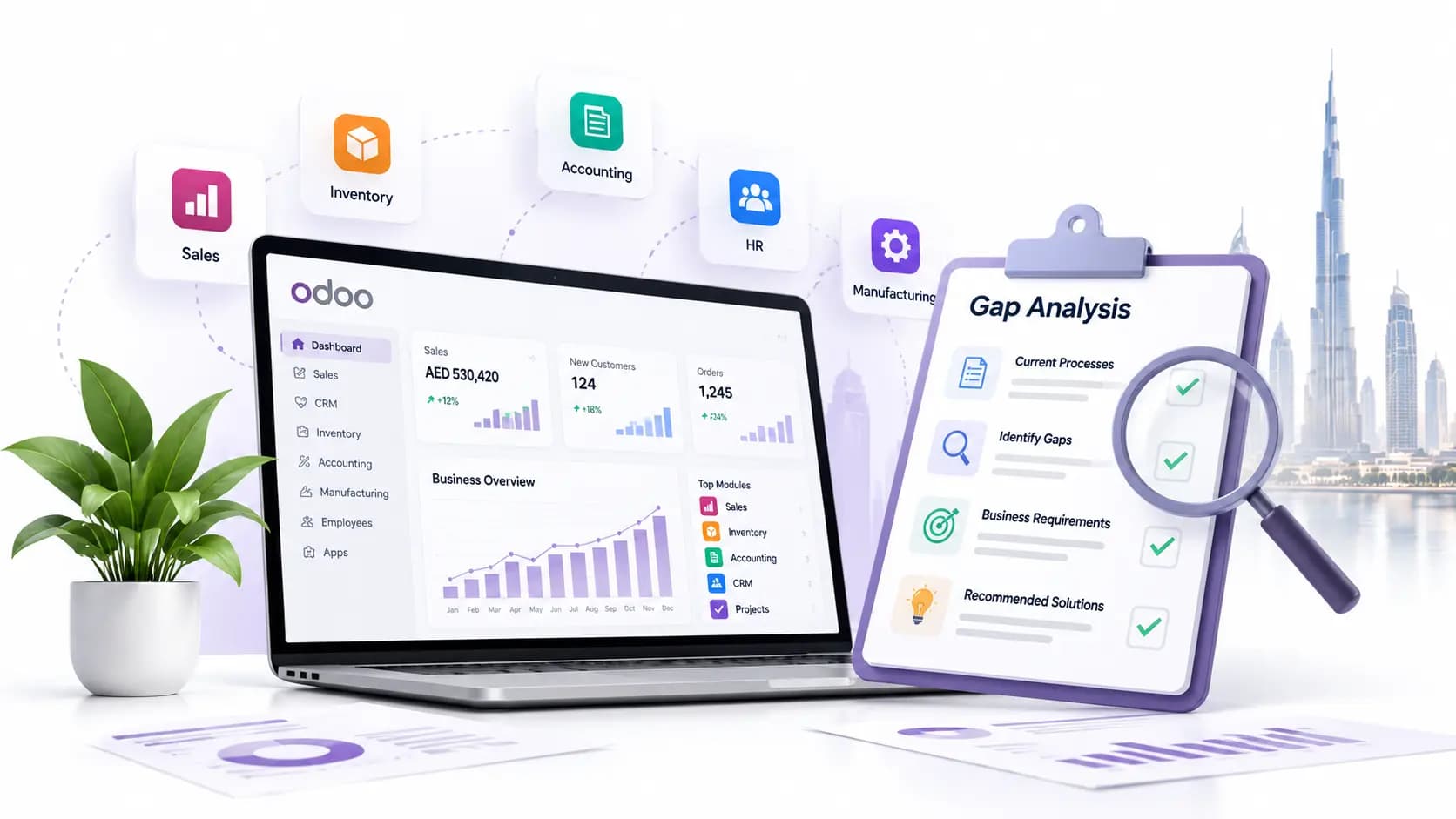
Odoo upgrades always look cleaner in a meeting than they feel inside a company. On paper, moving from Odoo 17 or 18 to Odoo 19 sounds like a version change.
There’s a better interface with new features, faster workflows, a few technical updates, and some AI features that look impressive in a demo.
But inside a UAE business, the upgrade touches ordinary things that cannot afford to go wrong. It includes VAT invoices, bank reconciliation, POS receipts, payroll links, purchase approvals, Arabic invoice formats, inventory movements, customer statements, and reports the finance team depends on during filing week.
That is why the Odoo 19 migration should not be treated as a quick software refresh. It is a controlled move from one working business system to another. If done properly, it can make daily work smoother. If done casually, it can create small errors that only show up when the accountant is closing VAT, the warehouse team is dispatching orders, or sales is trying to send a quotation while a customer is waiting.
Ready to Migrate to Odoo 19? Let's Make It Risk-Free.
Penieltech has helped UAE businesses migrate to every major Odoo version without disrupting VAT compliance, accounting, or daily operations. Get a free migration assessment before you move.
Odoo 19 Is Not Just Odoo 18 with a New Label
For UAE companies already using Odoo 17 or 18, the first thing to understand is that Odoo 19 changes both visible workflows and background behavior.
Some changes are easy for users to notice. Odoo 19 brings cleaner customer documents, with sections and sub-sections on quotations, sales orders, and invoices. Teams can reorganize document sections, hide prices or taxes inside sections, and produce more structured customer-facing documents.
For UAE businesses that send detailed quotations for trading, contracting, services, maintenance, or implementation work, this can be useful. It also means old customized quotation or invoice layouts need to be checked carefully.
Accounting has also received several practical changes. There are improved bank reconciliation, better transaction recognition, keyboard shortcuts in reconciliation, PDF preview for bank transactions, improved duplicate bill detection, a clearer Send & Print wizard, and a new tax return feature with fiscal obligations, deadlines, and automated validation checks.
There are also technical changes beneath the surface. Cached data, cached translations, quicker availability of the control panel during loading, improved dropdown formatting, and a changed partner autocomplete provider using Dun & Bradstreet. These changes can make the system feel faster and cleaner, but they also mean custom views, custom widgets, and older interface tweaks should be tested instead of being assumed safe.
Odoo 19 also includes stronger AI functionality. Ask AI is a feature available from anywhere in the database through the command palette, where it can answer questions, open views, and improve content. Besides, AI agents are assistants that can understand natural language and interact with Odoo tools.
Not Sure If Your Custom Modules Will Survive the Upgrade?
Our Odoo-certified team reviews your custom modules, third-party apps, and UAE VAT setup before migration — so there are no surprises after go-live.
UAE Accounting and VAT Need Special Attention
For UAE businesses, the biggest migration concern is usually not CRM or website pages. It is accounting.
Odoo 19’s UAE fiscal localization includes modules for UAE Accounting, UAE Payroll, UAE Payroll with Accounting, and UAE Point of Sale. The UAE Accounting module includes accounts, taxes, and reports, while the POS module includes UAE-compliant POS receipts.
The UAE localization also includes a localized chart of accounts with VAT-related accounts such as VAT Input, VAT Output, VAT Receivable, and VAT Payable. You need to keep at least one receivable and one payable account active, along with specific accounts used by Odoo or the UAE localization package.
This is where migration gets sensitive. A company may have used Odoo 17 or 18 for years with its own account names, modified VAT setup, custom invoice templates, manual workarounds, or third-party reporting apps. Those choices may have made sense at the time. But during migration, every one of them needs to be reviewed against the Odoo 19 localization structure.
Taxes also need careful checking. Relevant taxes can be activated or deactivated, and tax accounts should only be set on the 5% tax group. Odoo also supports the reverse charge mechanism.
This matters for UAE companies dealing with imports, cross-border services, exempt supplies, zero-rated supplies, local standard-rated sales, and mixed transactions. The danger is not always that the system fails loudly. Sometimes the system works, but the wrong tax is selected silently because an old fiscal position, product tax, or account mapping was carried forward without proper testing.
Currency also matters in the UAE. Many businesses invoice in AED but buy in USD, EUR, GBP, CNY, or SAR. With Odoo, exchange rates can be updated automatically at set intervals, and by default, the UAE Central Bank exchange rates web service is used. That sounds small until an imported purchase bill, landed cost, or foreign currency payment does not match the finance team’s expectation.
Invoices need the same care. Odoo’s UAE localization allows invoices in English, Arabic, or both, and includes a line to show VAT amount per line. You must check any customized invoice layout after migration, especially if you have added TRN display rules, Arabic labels, QR-related formatting, branch details, payment terms, or special customer notes.
What Is Most Likely to Break or Need Rework
The honest answer is simple: standard Odoo usually migrates better than customized Odoo.
If a database contains custom modules, it cannot be upgraded until compatible versions of those custom modules are available for the target Odoo version. Upgrading a customized database needs extra steps because every new version can affect modules built on top of standard Odoo behavior.
The risky areas are usually predictable.
Custom accounting modules are at the top of the list. Anything touching VAT reports, fiscal positions, invoice posting, payment registration, credit notes, journal entries, bank reconciliation, or approval rules must be reviewed properly.
Custom invoice and report templates also need testing. A PDF invoice may look fine in one language and break in bilingual format. A quotation may look good until sections, taxes, or hidden lines are used.
Third-party apps are another weak spot. Payment gateways, shipping connectors, marketplace integrations, WhatsApp/SMS tools, bank feeds, barcode apps, payroll extensions, and POS add-ons should not be trusted blindly after migration.
Studio customizations are easier than custom code in some cases, but they still need testing. A custom field added to sales orders may survive the migration, but the automation attached to it may behave differently. A server action that sends emails may still run, but the recipient logic may no longer match how the team works.
Old API integrations also need attention. If an external website, mobile app, BI dashboard, middleware tool, or warehouse scanner reads and writes Odoo data, the technical team should test authentication, field names, endpoints, data formats, and error handling before production migration.
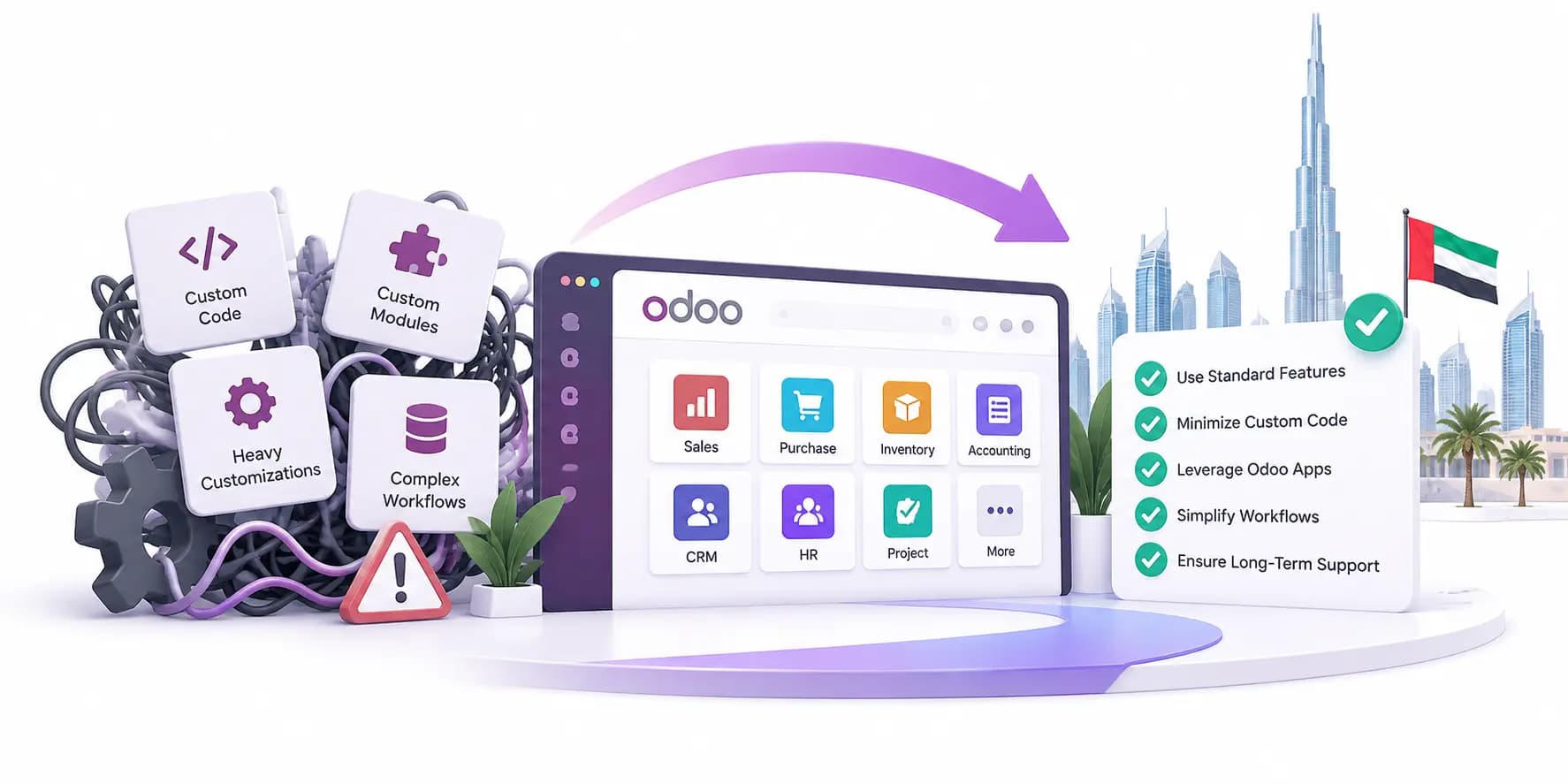
The uncomfortable truth is that some “must-have” customizations are no longer needed. Odoo 19 may already include a cleaner standard feature for something a company paid to customize two years ago. Keeping old custom work just because it exists is a quiet way to carry technical debt forward.
Plan Downtime and Testing the Way Your Business Works
A good Odoo 19 migration has three layers. They are: technical migration, functional testing, and user acceptance.
The technical side includes database upgrade, module compatibility, code changes, server preparation, backup checks, and performance review. But this alone does not prove the business is ready.
Functional testing should follow real UAE business scenarios.
Create a local VAT invoice.
Create a zero-rated export invoice.
Enter a supplier bill with VAT.
Record an import-related purchase.
Reconcile a bank statement. Post a credit note.
Test POS receipts.
Check Arabic and bilingual invoice formats.
Run aged receivables.
Compare VAT reports.
Check customer statements.
Validate multi-currency entries.
Test approvals.
Confirm access rights.
Print the documents people actually send.
Then comes user acceptance. This is where sales, accounts, warehouse, purchase, HR, and management users test the upgraded system in their own way of working.
There should be a code freeze when starting a custom upgrade, because continuing development during the upgrade means new changes must also be upgraded and retested.
A migration project becomes messy when one team is upgrading Odoo while another team is still adding new customizations to the old version. The cleaner approach is to freeze non-critical development, upgrade, test, go live, and then restart enhancements with a cleaner base.
Production downtime should be scheduled around business reality. Avoid VAT return periods, payroll closing, month-end, major stock counts, large delivery days, and heavy sales campaigns.
Training After Migration Is Not Optional
Training is where many Odoo upgrades become slightly painful.
Managers often assume users will “figure it out” because they already know Odoo 17 or 18. Some will. But many of your employees will not. Even small changes in menus, buttons, document layouts, tax selection, reconciliation flow, or approval screens can slow people down for the first few weeks.
Finance users need focused training on tax setup, fiscal positions, tax returns, bank reconciliation, invoice review, duplicate bill warnings, currency rates, and report changes.
Your sales users need to understand quotation sections along with customer documents, email recipient behavior, online confirmations, and any changed approval rules.
Warehouse and purchase teams also need to test and learn product flows, vendor bills, purchase matching, barcode behavior, and landed cost-related processes if used.
POS users need hands-on practice, especially if receipts, tax display, payment methods, or offline handling are involved.
Administrators need deeper training. They should know where settings moved, how to manage access rights, how to check scheduled actions, how to handle failed emails, how to monitor integrations, and when not to “fix” accounting settings without asking finance first.
Odoo support should also be planned for the first few weeks after go-live.
The first week after migration is not the time to blame users for being confused. It is time to watch how the system behaves under pressure.
Trusted by UAE Businesses for Odoo Implementation & Support
From Odoo 17 to Odoo 19, Penieltech handles the full migration — database upgrade, UAE localization, user training, and post-go-live support. We work around your business calendar, not ours.
What UAE Businesses Should Expect Overall
A move from Odoo 17 or 18 to Odoo 19 can be worthwhile, especially for businesses that want cleaner accounting workflows, better reconciliation, stronger document handling, improved reporting behavior, AI-assisted productivity, and a more current technical base.
But the migration should be handled with respect. Expect custom modules to need review. Similarly, expect accounting to need careful testing. Expect invoice templates to need small corrections. In the meantime, users can ask basic questions. Also, expect a few uncomfortable conversations about customizations that should be removed rather than carried forward.
The best Odoo 19 migrations are not the fastest ones. They are the ones where the business tests everything properly, including VAT, invoices, bank entries, reports, access rights, integrations, and documents.
FAQs
Is migrating to Odoo 19 just a normal software upgrade?
No, for UAE businesses, the migration to Odoo 19 is more than just changing from one version number to another. The migration should be planned like a proper business system move, not treated like a quick update.
Should UAE businesses move from Odoo 17 or 18 to Odoo 19?
Yes, if you are ready to clean up old processes, then you must move from Odoo 17 or 18 to Odoo 19. Odoo 19 helps you with accounting, document handling, reconciliation, reporting, and AI-assisted work.
What is the biggest risk during an Odoo 19 migration?
The biggest risk is assuming that everything will work exactly as before. Standard Odoo usually migrates more smoothly, but customized Odoo needs careful checking.
Will Odoo 19 affect UAE VAT compliance?
Yes, it can. UAE VAT setup depends on correct taxes, accounts, fiscal positions, invoice formats, and reports. During migration, businesses must check VAT Input, VAT Output, VAT Receivable, VAT Payable, reverse charge setup, zero-rated transactions, exempt supplies, and standard 5% VAT transactions. Even a small mapping error can create trouble during filing.
Do third-party apps need to be checked before migration?
Yes, you must check payment gateways, shipping connectors, WhatsApp or SMS tools, bank feeds, marketplace links, barcode apps, payroll extensions, POS add-ons, and BI dashboards.
Related Articles
Explore more insights, ideas, and practical knowledge from our latest writings.
We work with our global presence and keep our advice practical, response times reasonable, and provide solutions that are aligned with the way local companies operate each day.
Market Context
Deep knowledge of UAE rules and expectations.
Trusted Network
Working connections across businesses, sectors, and communities.
Local Assistance
We have a local team that answers clearly when something genuinely needs attention.
UAE Presence
Our team works from the UAE, supporting companies that keep its economy moving.