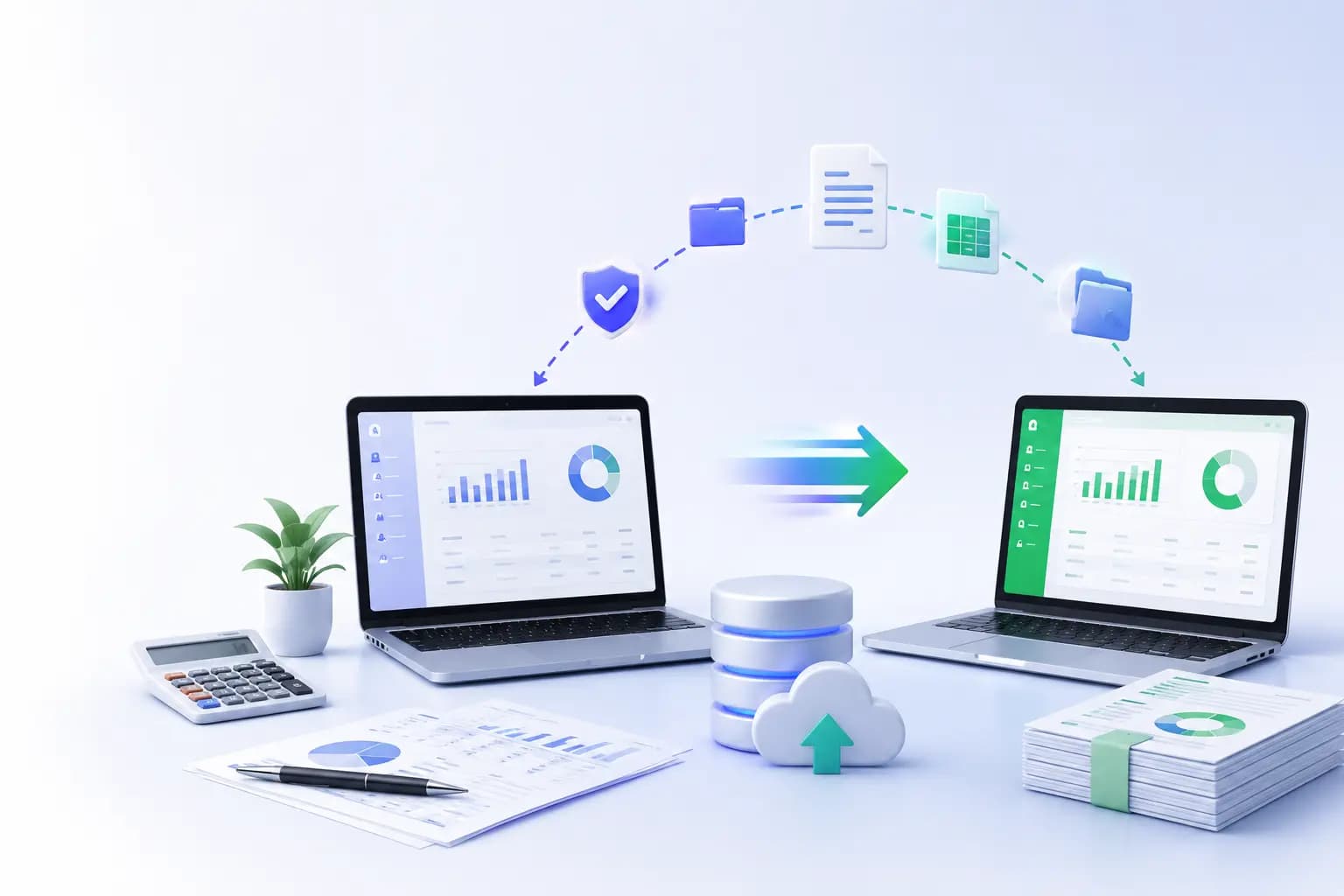
Every business creates its own niche during the journey which leads them in the path of success. Hence it is important for customization in the tools used for business operations. Tally accounting software has gone one step ahead and added a new feature to Tally Prime that's changing how businesses look at their data.
This new tool, a customizable dashboard, makes it easier for companies to understand and use their financial information. If you are a business owner using Tally, you must know about this advanced feature to get the maximum benefit.
In this article, let us see:
Why Visual Data Matters
Making the Dashboard Work for You
Digging Deeper into Data
Building a Data-Focused Company Culture
How Different Industries Can Use It
Making Better Decisions and Preparing for Future Needs
Better Financial Reports with Tally Software's Dashboard
Managing Inventory Better with Tally Software
Why Visual Data Matters
Our brains understand pictures much faster than words. Tally solutions new dashboard takes advantage of this by turning complex numbers into easy-to-understand visual displays. This helps business owners and managers spot important trends quickly, leading to better and faster decisions.
Effortless Accounting with Tally Solutions
Manage your finances, inventory, and compliance seamlessly with Tally’s trusted, easy-to-use software. Perfect for businesses of all sizes.
Making the Dashboard Work for You
Every business is different, with its own goals and challenges. Tally Prime's dashboard can be adjusted to fit what each business needs most.
Seeing the Whole Picture
The dashboard can show information from different reports all on one screen. This gives a complete view of how the business is doing. For example:
Shops might want to see daily sales, stock levels, and top-selling items.
Factories could focus on production numbers, material costs, and order status.
Service businesses might look at billable hours, customer acquisition costs, and project profits.
By putting all this information in one place, managers can make better-informed decisions.
Ways to Customize
Users can change the dashboard to show what's most important to them:
Add or remove sections to highlight key information.
Choose between wide or tall layouts for each section.
Pick how detailed each section should be.
Set specific date ranges to focus on certain time periods.
These options ensure the dashboard stays useful as the business grows and changes.
Digging Deeper into Data
Tally solution's dashboard isn't just for looking at surface-level information. It lets users explore their data in more detail.
Looking Closer
Users can click on any part of the dashboard to see more information. This helps in quickly investigating unusual patterns or trends. For instance, if overall sales are down, a manager can quickly check which products or areas are underperforming.
Up-to-Date Information
The dashboard updates as new data is entered into Tally. This means decision-makers always have the latest information, which is crucial for businesses dealing with fast-changing situations.
Easy to Use, Safe to Share
While the dashboard makes information easy to access, it also keeps it secure.
Quick Access
The dashboard is easy to find on the Tally accounting software main screen. Businesses can even set it to appear automatically when they open their company data.
Controlling Who Sees What
Tally lets administrators control who can see different parts of the dashboard. This means:
Different user roles can be set up with specific permissions.
Sensitive financial data can be protected.
Each team can have a dashboard view that fits their job.
This ensures everyone has the information they need while keeping sensitive data safe.
Tally Solutions: Simplifying Business Operations
Streamline accounting, VAT, payroll, and more with Tally’s powerful, all-in-one solution. Enhance productivity and accuracy today.
Building a Data-Focused Company Culture
By making data easier to understand, Tally's dashboard encourages everyone in the company to use data when making decisions.
Benefits of Using Data
Better Accuracy: Decisions based on real numbers tend to work out better.
More Accountability: Clear metrics make it easier to track progress.
Faster Decisions: Having key information readily available speeds up decision-making.
Better Teamwork: Shared dashboards can improve communication between departments.
How Different Industries Can Use It
The dashboard is useful for many types of businesses:
Retail
Track daily sales goals
Monitor stock turnover
Analyze customer buying habits
Manufacturing
Check production efficiency
Track material use and costs
Monitor order completion rates
Services
Track billable hours
Monitor project profits
Analyze customer satisfaction
Healthcare
Monitor patient numbers
Track important supplies
Analyze department earnings and costs
Making Better Decisions and Preparing for Future Needs
Tally Prime's new dashboard helps businesses use their data more effectively. It allows decision-makers to:
Quickly understand how the business is performing
Spot trends and potential issues early
Make choices based on solid data
Encourage everyone in the company to use data in their work
As businesses grow and change, Tally Prime's dashboard is designed to keep up:
It can grow with your business, handling more data and new metrics.
There's potential to connect with other business tools in the future.
Tally Prime plans to add more advanced features in upcoming updates.
In today's hectic and competitive business world, being able to quickly understand and act on data can be the difference between success and failure. Tools like Tally Prime's dashboard are becoming essential for businesses of all sizes.
Better Financial Reports with Tally Software's Dashboard
Tally software's dashboard makes financial reports easier to understand. It turns complex numbers into simple visuals, helping businesses quickly see how they're doing financially.
Key benefits include:
Visual summaries of profit and loss, balance sheets, and cash flow
Easy-to-spot trends in revenue and expenses
Quick view of the company's financial health
Ability to see connections between different financial areas
Fast creation of reports for meetings or presentations
With these visual reports, businesses can make better financial decisions and respond faster to money-related challenges or opportunities.
Managing Inventory Better with Tally Prime
Tally solution's dashboard also helps businesses keep better track of their inventory. It makes it easy to see what's in stock and how products are selling.
Useful features for inventory management:
Alerts when stock is running low
Highlights of slow-selling items
Overview of stock across different locations
Insights into which products sell best
View of seasonal sales patterns
Tracking of items that expire or need to be sold quickly
These tools help businesses keep the right amount of stock, reduce waste, and respond quickly to changes in what customers want to buy. This can lead to better cash flow and higher profits.
Final Thoughts
As businesses deal with more and more data, tools that make this information easy to understand become increasingly valuable. The new dashboard in Tally software is more than just a new feature - it's a powerful tool for smarter business management.
Tally Solutions has been a leader in business management software for years, from its popular Tally ERP 9 to the latest Tally Prime. This new dashboard shows how Tally accounting software keeps improving to meet businesses' changing needs.
Whether you're using Tally Prime for basic accounting or taking advantage of advanced Tally customization options, the new dashboard can help you make better, data-driven decisions. This keeps Tally as a top choice for businesses looking to succeed in today's digital world.
Related Articles
Explore more insights, ideas, and practical knowledge from our latest writings.
We work with our global presence and keep our advice practical, response times reasonable, and provide solutions that are aligned with the way local companies operate each day.
Market Context
Deep knowledge of UAE rules and expectations.
Trusted Network
Working connections across businesses, sectors, and communities.
Local Assistance
We have a local team that answers clearly when something genuinely needs attention.
UAE Presence
Our team works from the UAE, supporting companies that keep its economy moving.