Many businesses in Dubai and across the UAE stay on Tally for years because it feels familiar. The problem usually starts when the business outgrows that comfort zone.
Undoubtedly, Tally works outstandingly for accounting, vouchers, ledgers, and routine compliance work. But once operations become more connected, things start feeling fragmented.
Quick Answer
Tally to Odoo Migration in the UAE is the process of transferring accounting data, customer and supplier records, inventory, transactions, and business workflows from TallyPrime to Odoo ERP. It helps UAE businesses move to a more integrated platform with accounting, sales, inventory, CRM, HR, automation, UAE VAT, Corporate Tax, and e-invoicing readiness in one system.
That is usually the point where businesses start looking at Odoo.
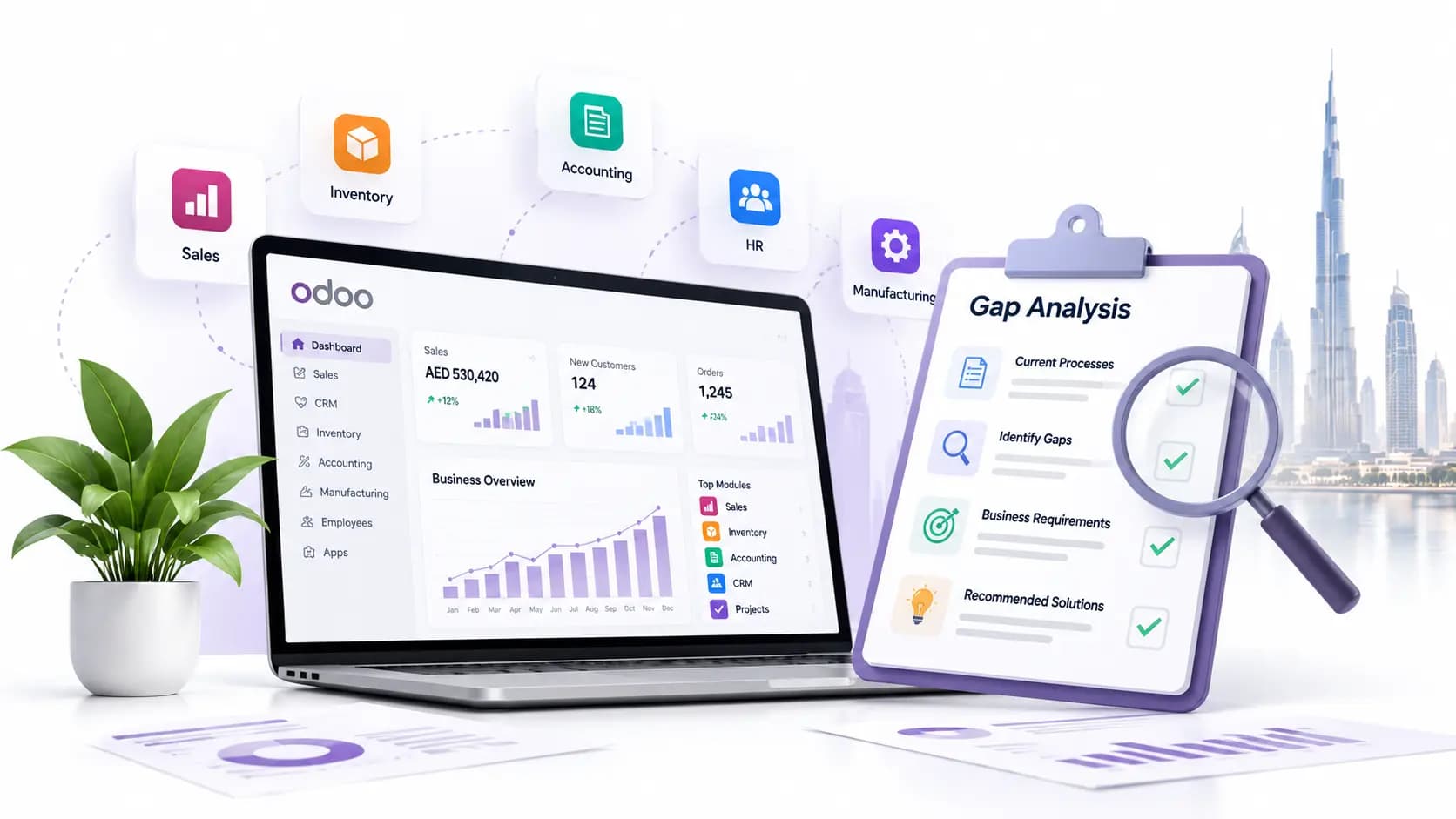
Odoo is not just accounting software. It is a broader business platform that can handleaccounting software, CRM software, sales, purchase, inventory management system, HR, manufacturing software, projects, and more in one connected system. Odoo also supports importing records through CSV and XLSX files for business objects such as contacts, products, bank statements, journal entries, and orders, which makes migration planning much more practical.
That said, moving from Tally to Odoo should never be treated like a quick file transfer. A proper migration is really a structured shift from one way of running the business to another. If it is done carelessly, you may not lose all your data, but you can easily lose clarity, history, opening balances, stock accuracy, or reporting reliability.
Today, we are here to know how to do it properly.
Thinking About Moving from Tally to Odoo?
Get a free migration assessment from UAE's certified Tally Gold Partner and Odoo specialist. We'll tell you exactly what needs to move and how long it takes.
Why businesses Migrate from Tally to Odoo ERP
The reason is not usually "Tally is bad." It is more often that the business has grown beyond the system it started with - especially common among SMEs and free zone companies in Dubai, Sharjah, and Abu Dhabi.
UAE businesses typically move to Odoo when they need:
Accounting and operations in one VAT-compliant system
Better inventory and warehouse control across multiple locations
Connected sales, purchase, and finance workflows.
Multi-user visibility across departments and branches
FTA-ready reporting without manual consolidation
Room for process automation and approval workflows
A scalable system that supports UAE business growth
Tally remains strong for accounting-focused work, but Odoo becomes attractive when the business wants one platform instead of separate tools and manual coordination.
Step 1: Define the Scope of Your Tally to Odoo Migration
This is where many businesses make their first mistake. They say they want to migrate “all data,” but that is not always the smartest decision. Before touching the data, define the migration scope clearly:
Master data: customers, suppliers, chart of accounts, items, and tax setup.
Opening balances: receivables, payables, bank, cash, stock, and ledger balances.
Transaction history: sales, purchases, payments, receipts, and journal entries.
Inventory details: quantities, valuation, warehouses, batches, and serials if used.
Attachments and supporting documents.
User roles, approval workflows, and reports to be recreated in Odoo.
Not every business needs years of historical transactions inside the live Odoo environment. In many cases, businesses migrate clean opening balances plus essential master and selected history. That approach is often faster, cleaner, and far less risky.
Step 2: Take a full backup of Tally data first
Before any export starts, take a complete backup of your Tally company data.
TallyPrime provides built-in backup and restore options, including local backup and TallyDrive-based backup options in current releases, which are useful before any migration exercise.
Do not rely on a single backup copy. Keep:
One local backup.
One secondary backup on secure storage.
One untouched pre-migration copy.
This matters because migration work often involves trial imports, remapping, and data cleanup. You need a clean rollback point.
Step 3: Clean Your Tally Data Before Exporting
This step saves more time than people expect. If you move bad data into Odoo, you are not completing a migration. You are just transferring old confusion into a new system.
Not Sure If Your Tally Data Is Clean Enough?
Our UAE team audits your Tally data before migration starts — so nothing messy moves to Odoo. Free data review, no commitment.
Review Tally data for:
Duplicate ledgers.
Duplicate customer or supplier names.
Inactive stock items.
Inconsistent units of measure.
Old tax classifications.
Incomplete addresses, phone numbers, or VAT fields where applicable.
Negative stock issues.
Unmatched receivables or payables.
Unnecessary years of cluttered transactions.
If your Tally data spans many years, it can also help to split company data by financial year before extraction, depending on your migration strategy. TallyPrime includes a Split Data feature for handling company data by date, while retaining the original data.
Step 4: Export data from Tally in a usable format
Tally supports exporting data in multiple formats, including Excel and XML. It also supports ODBC-based extraction and XML-based data exchange, which are commonly used when structured migration is needed.
In practical migration projects, businesses usually extract data in stages:
Ledgers and chart-related masters.
Customer and supplier records.
Stock items and item groups.
Tax and ledger mappings.
Outstanding receivables and payables.
Bank and cash balances.
Sales and purchase history, if required.
Voucher-level exports where detailed migration is planned.
This is also the stage where you should freeze the export period. Otherwise, teams keep posting new entries in Tally while migration files are already being prepared, and then the numbers will stop matching.
Step 5: Configure Odoo Before Importing Tally Data
This is the step many people underestimate. Odoo should not be treated like an empty bucket where you dump files. The system must be configured first so that imported data lands correctly.
Set up:
Company details.
Fiscal settings and taxes.
Chart of accounts structure.
Journals such as bank, cash, sales, purchase, and miscellaneous.
Units of measure.
Warehouses and locations.
Product categories.
Customer and supplier tags or classifications.
User roles and permissions.
Odoo’s accounting setup uses structured journals and a chart of accounts, so the mapping from Tally must be thought through properly instead of copied blindly.
If inventory is part of the migration, warehouses, locations, and product settings should be finalized before stock import. Odoo’s inventory workflow also supports inventory adjustments to bring quantities on hand to the correct opening position.
Step 6: Map Tally fields to Odoo fields
This is the real heart of migration. Tally and Odoo do not always store business information in the same way. So the data has to be mapped carefully.
Typical mapping examples include:
Tally ledger: Odoo contact or account, depending on usage.
Tally stock item: Odoo product.
Tally voucher type: Odoo journal entry or transaction type.
Tally group/category structures: Odoo account groups, product categories, or tags.
Tally tax ledger logic: Odoo tax configuration
Tally opening balances: Odoo opening journal or imported opening transactions.
This is also where naming conventions matter. Even something as simple as customer names, item codes, tax names, warehouse labels, or units can break import consistency if not standardized.
Step 7: Import Master Data into Odoo Before Transactions
Odoo’s import tools support CSV and XLSX imports for many business records. The normal and safest sequence is to import master data before transactions.
Import in this order, where possible:
Chart of accounts structure.
Customers and vendors.
Products and services.
Tax-related setup.
Warehouses and inventory-related structures.
Opening stock details.
Outstanding receivables and payables.
Bank opening data.
Historical transactions if included in the project scope.
This order reduces dependency errors. For example, you cannot cleanly import invoices if the customer, product, tax, and account logic are not already in place.
Step 8: Migrate Opening Balances Accurately into Odoo
This is the step that decides if management trusts the new system. At a minimum, opening balances should reconcile for:
Customer outstanding balances.
Supplier outstanding balances.
Bank accounts.
Cash accounts.
Tax accounts.
Stock value.
General ledger balances.
If these numbers are wrong, users will stop trusting Odoo even if the rest of the system is configured properly.
Get Your Opening Balances Right the First Time
Penieltech has migrated 14,000+ UAE businesses. We verify every balance — receivables, payables, stock, and bank — before you go live.
Do not just check one total trial balance. Check line-level accuracy for key ledgers, high-value customers, suppliers, and stock categories.
Step 9: Test Your Odoo System Before Go-Live in UAE
Never go live immediately after the import. Always run a structured UAT process:
Verify customer and supplier records.
Check product codes, UOM, tax setup, and prices.
Compare stock quantities between Tally and Odoo.
Compare opening balances.
Create sample quotations, sales invoices, purchase bills, receipts, and payments.
Test financial reports and inventory reports.
Odoo supports importing bank transactions through formats. Those formats include CSV, XLSX, OFX, QIF, and CAMT.053. This can be useful during transition and reconciliation planning.
Step 10: Go Live with a Structured Cutover Plan
A proper cutover should include:
Final posting date of Tally.
Final backup.
Final export for deltas or last-minute changes.
Opening balance confirmation.
User access setup in Odoo.
Department-wise training.
First-week support window.
Rollback plan if something critical fails.
Common Tally to Odoo Migration Mistakes UAE Businesses Make
Here is where migrations usually go wrong:
Trying to migrate everything without deciding what is truly needed.
Skipping data cleanup.
Importing masters and transactions in the wrong order.
Ignoring tax and account mapping differences.
Not validating stock value and outstanding balances.
Going live without user testing.
Assuming migration ends once the file is imported.
The real success of migration is not “data imported successfully.” It is this - your team can work properly from day one, and your reports make sense.
Migration from Tally to Odoo is not just a software switch - it is a business process shift. For businesses in Dubai and across the UAE, it also means ensuring your VAT configuration, FTA compliance records, Arabic invoicing, and EmaraTax data move across cleanly and accurately.
If handled properly by an experienced Odoo and Tally partner in the UAE, this migration will give you connected departments, cleaner reporting, better compliance control, and a stronger base for growth.
Migration from Tally to Odoo means shifting your business from an accounting-focused system to a fully connected ERP platform. For UAE businesses, this includes moving customers, suppliers, items, VAT configurations, outstanding balances, and selected transactions - while also adjusting how day-to-day operations run inside the new system, not just copying records from one place to another.
Why do businesses move from Tally to Odoo?
Most businesses move because the business itself has changed. Once operations become bigger and more connected, teams usually need sales, purchasing, inventory, CRM, accounts, and approvals to work together. That is where Odoo starts making more practical sense than managing everything separately.
What should be done before starting Tally to Odoo migration in UAE?
Before starting, clearly define what needs to be migrated and take a full backup of your Tally data. This is especially important for UAE businesses where VAT records, EmaraTax filings, and Arabic invoice data must be preserved accurately. A clean backup gives you a safe rollback point during testing and trial imports.
How do you verify if the Tally to Odoo migration is accurate?
The best way is to compare both systems properly instead of assuming the import worked because the data appears on screen. Receivables, payables, stock quantity, stock value, bank balances, tax accounts, and ledger totals should be checked carefully.
What mistakes do UAE businesses make during Tally to Odoo migration?
The most common mistakes are rushing the process and skipping data cleanup. Others include importing in the wrong order, ignoring UAE VAT and tax mapping differences, missing stock value reconciliation, and going live without proper user testing. Migration is complete only when your team can work accurately from day one - not just when the import file finishes.
Today
Related Articles
Explore more insights, ideas, and practical knowledge from our latest writings.
We work with our global presence and keep our advice practical, response times reasonable, and provide solutions that are aligned with the way local companies operate each day.
Market Context
Deep knowledge of UAE rules and expectations.
Trusted Network
Working connections across businesses, sectors, and communities.
Local Assistance
We have a local team that answers clearly when something genuinely needs attention.
UAE Presence
Our team works from the UAE, supporting companies that keep its economy moving.