Why Your Reports Still Come from Excel Instead of Odoo
Drew
Senior content writer
Fri Jan 16 2026
Get in touch with us
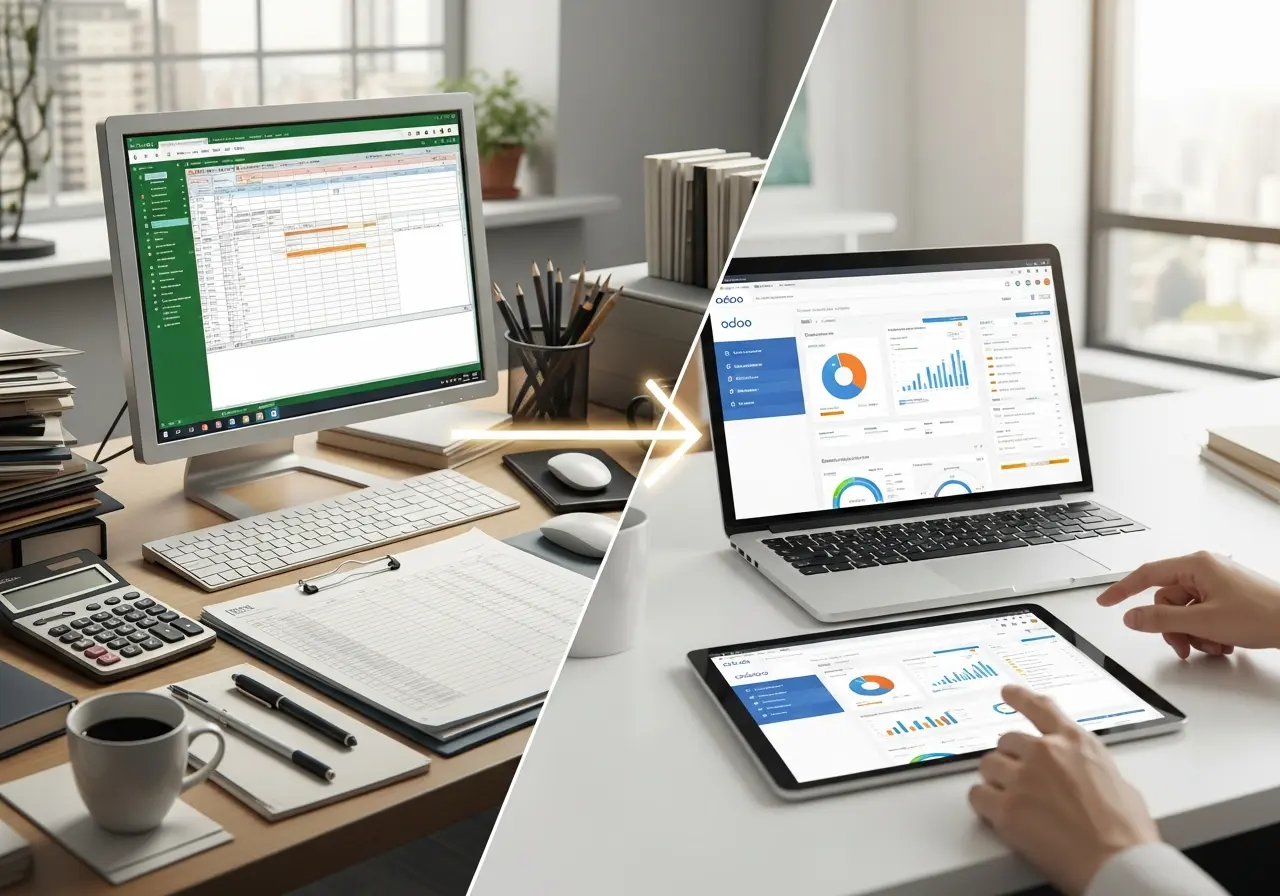
Companies in the UAE generally purchase Odoo to escape spreadsheet chaos, yet they still submit quarterly reports built in Excel to the board. No, that doesn’t mean the software Odoo lacks capability. It’s mainly because the implementation just turned a powerful system into a glorified database. Remember, when your team trusts Excel more than the ERP, the real problem is the way the software was brought into the business and the choices you made afterwards. Across industries here, we can see the same patterns, including rushed projects that provide over outcomes, partners that were configured in a hurry rather than listening, and data that looks tidy but in reality it isn’t. This ultimately leads to an operational habit that is painful to break, but at the same time, can be entirely fixable if you treat reporting as the mission-critical feature it actually is.
Why Excel still wins and why that’s not an IT problem
Excel often wins because it is immediate and forgiving. Here you can reshape numbers, mask inconsistencies, and deliver a polished PDF within an hour. But that speed hides systemic issues such as multiple versions of information, manual reconciliations, and most importantly, audit risk. You may end up paying people to rebuild reports that the ERP should serve on a plate. That’s wasteful yet avoidable.
The implementation issues that keep reports in Excel
Here are some common mistakes that push your teams back to Excel:
Go-live over outcomes: People often consider projects as successful once transactions start running, pushing proper reporting away. As a result, the ERP system can’t show the data exactly the way users need. It’s the time when most of them again turn to Excel.
Fix Your Odoo Reporting Setup
If your team still depends on Excel, your Odoo reports are not configured correctly. We build accurate, real-time reports that match how your business actually works.
Wrong partner & wrong questions: If your implementer configures screens before mapping approvals, budgets, and audit trails, the system won’t be able to reflect everyday workflows. So, you definitely need a partner who asks for your way to review performance, not just the modules to enable.
Shaky data architecture: A messy chart of accounts, inconsistent analytic tags, and ad-hoc cost centers always destroy report reliability.
Training that does not show cause: It’s common that users learn about just forms in training, not the logic behind them. When something looks wrong, people export and fix it themselves because they don’t understand what produced it.
Overcustomization without governance: Heavy custom code can create reporting blind spots and also increase risk. Teams then build parallel Excel reports rather than untangling the custom maze.
UAE-specific situation that increases the problem
Operating in the UAE, along with those above issues, further increases the risks. For example, VAT rules, frequent regulatory shifts, multi-entity structures, and cross-border transactions often introduce reporting problems. If your Odoo isn’t properly localized for UAE tax and legal reporting or the partner didn’t translate local audit expectations into the system, Excel will immediately become the fallback for compliance and board reporting.
Other small actions that lead to huge reporting issues
There are some mistakes that may look small in the beginning but they compound quickly:
Allowing inconsistent account usage across multiple departments.
Letting your project or cost center tags be optional.
Skipping proper mapping approval paths.
Forgot to test the reports with live data.
Replace Manual Excel Work
Manual exports waste time and cause errors. We automate dashboards and MIS reports inside Odoo so decisions are based on live data, not spreadsheets.
How to make Odoo the only platform your teams use
Well, you don’t need a new system. You just need to fix the way your existing system was put in place.
Adopt a reporting-first reboot: Begin with the reports that you exactly need. After that, map the way the numbers you are actually going to use in meetings, regulatory filings, and performance reviews. Then build the data flows into Odoo so the reports can become a natural output.
Reassess your partner honestly: Remember, the right Odoo partner every time interrogates the process. They try to know the reasons behind things being done in a certain way, and ultimately help you to simplify everything. But if your partner pushes configuration at the expense of process mapping, then you’ll need to pay for that choice every month in your manual hours.
Fix the data model: Tighten your chart of accounts, make analytic tags mandatory where needed, and standardize project and cost center entries. Once the model is clean, your reports won’t need manual rescue.
What adoption actually looks like
Rather than a launch party, Odoo adoption must always be a steady shift:
Monthly reports will move from Excel attachments to attached Odoo PDFs or dashboards.
Managers will stop requesting extra reports because now they trust the numbers.
Audits will lean on system reports rather than manual reconciliations.
Your finance team will start to spend time analyzing trends.
So, if your reports are still coming from Excel instead of Odoo, it's because of a chain of avoidable decisions, including partner selection, rushed go-live, lax data structure, and surface-level training that made Excel the path of least resistance. So, fix those root causes, and Odoo will stop being a data dump and start being the reporting engine your business deserves.
Train Your Team to Use Odoo Reports
Most teams use Excel because they were never trained on Odoo reporting. We provide hands-on training so your staff can generate reports confidently inside Odoo.
Related Articles
Explore more insights, ideas, and practical knowledge from our latest writings.