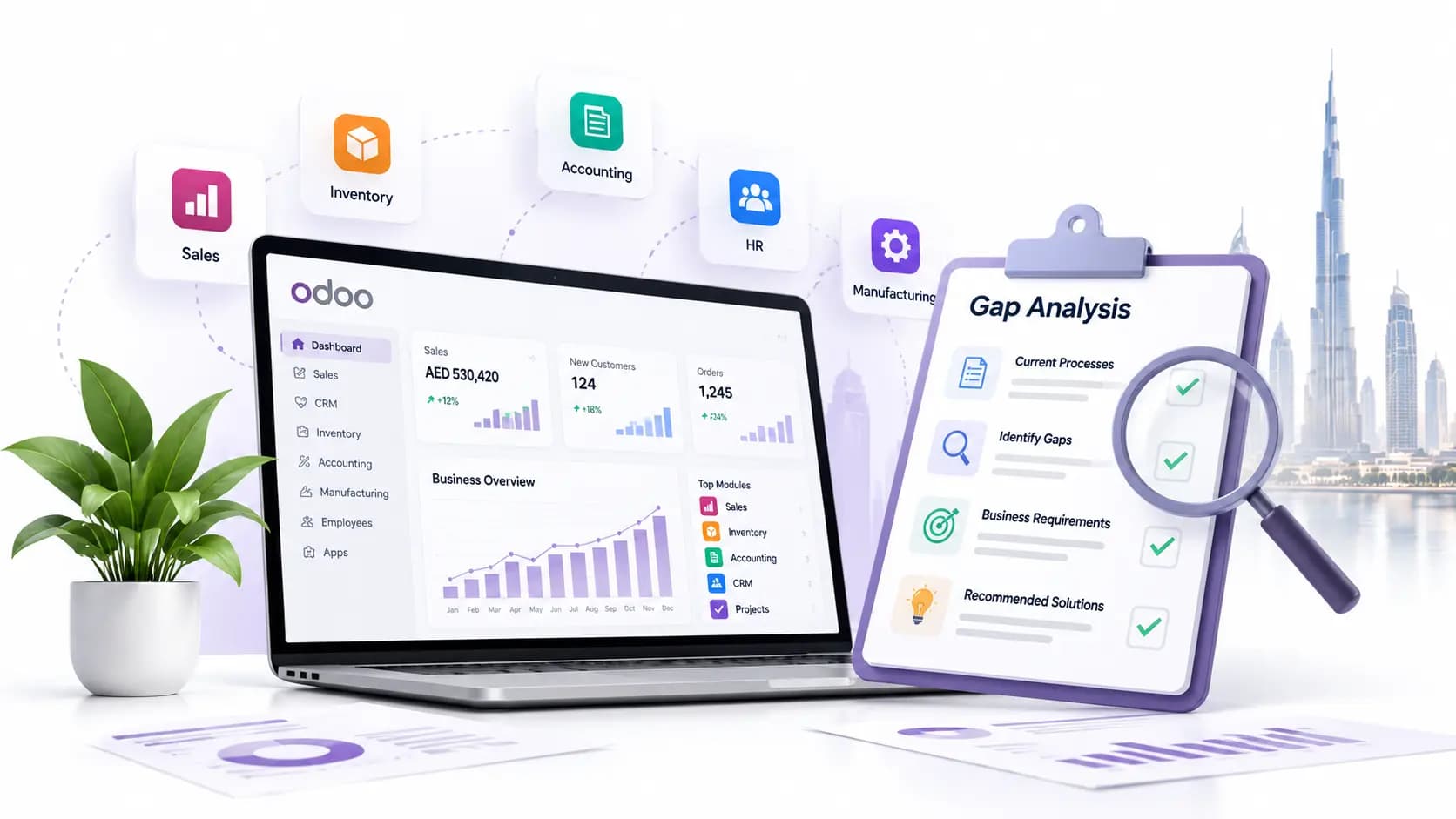
Odoo is powerful, and that’s exactly why it becomes fragile when the foundations are shaky. In the UAE, businesses feel the pain faster as VAT filings, multi-entity accounting, bilingual invoices, and high transaction bursts expose small mistakes.
When Odoo lags or reports don’t reconcile, your teams also stop trusting the system and start inventing parallel processes.
Now, stabilizing Odoo in 30 days is all about disciplined triage, fixing core data and configuration, tuning infrastructure, and restoring trust in the numbers. The approach is pragmatic with processes such as freezing noise, cleaning the core, tuning performance, securing workflows, and locking in monitoring and governance so your system can behave the way your finance and operations teams expect.
Today, we are here with a plan that delivers fast, sensible, and sustainable results for UAE operations.
Week 1: Stop Changes, Map Reality, and Expose Root Causes
You need to start by imposing a strict change freeze. No new modules and no “quick” patches, because every tweak in this situation will only hide the real issues.
Run three quick & high-value checks immediately: Verify the UAE localization and VAT setup to ensure tax postings and VAT reports align with Federal Tax Authority requirements. If the localization isn’t correctly installed and configured, everything from invoices to VAT reports can break trust.
Snapshot the system: extract logs, recent cron job failures, and slowest pages. Also, look for repeated errors and long-running queries.
Watch users work for a day: Identify where they bypass Odoo and which screens lead to repeated manual exports. That behavior is your roadmap.
This week is triage. And our goal is getting a prioritized list of root causes (data, configuration, code) and a rollback-ready backup so nothing you do next makes recovery harder.
30-Day Odoo Health Audit
We review your current Odoo setup, customizations, performance issues, and gaps to identify what’s breaking the system and why.
Week 2: Clean The Core: Data, Fiscal Mapping, And Custom Code
Fixing the core is stressful work, but it can stop the recurring problems.
First, focus on the master data. Start by consolidating duplicate partners, fixing product units of measure, and standardizing product categories. Reconcile inventory counts against valuation. With clean master data, your reports will be accurate.
As the next step, align fiscal positions and tax mappings to UAE rules. Replace extemporary journal entries with automated fiscal positions that post VAT correctly at source. This will remove guessing during filings.
Then audit the custom code. Look for modules that override standard behavior or replicate functionality. Either refactor or remove the code that introduces side effects. Custom code is often the silent cause of slow queries and inconsistent records. At the same time, clean code reduces errors and speeds up debugging.
Week 3: Performance, Integrations, And Trust In Reports
Once your data and configurations are stable, tune the platform so it responds predictably under load.
Firstly, go for the infrastructure and database tuning. Size your CPU, RAM, and disk I/O to handle peak workloads. Also, use connection pooling and tune PostgreSQL parameters to cut query latency. Introduce a small Redis cache if you aren’t using one already to improve session and performance. These moves reduce slow pages and failed batch jobs during month-end or VAT spikes.
You need to understand that integrations deserve full end-to-end tests. So, simulate the transaction volumes for payment gateways, logistics APIs, and bank feeds. Remember, failure points here can create inconsistent ledgers and inventory. Put retry logic and clear error notification in place so failures surface immediately instead of silently corrupting data.
Finally, rebuild the reporting trust. Reconcile the general ledger with bank statements and VAT reports with the records you’ll submit to the FTA. When the finance team sees matching numbers, they stop using spreadsheets and start using Odoo again.
Fix Critical Issues Fast
Our experts stabilize workflows, fix bugs, improve performance, and clean up custom code to get Odoo running smoothly within 30 days.
Week 4: Monitoring, Governance, And Sustainable Change
Stabilization sticks only if governance and monitoring are in place.
Set up practical monitoring with alerts for failing cron jobs, slow query spikes, critical integration errors, uncommitted migrations, and storage warnings. Don’t chase the noise, watch the 8–10 signals that predict outages or data corruption. Remember, a small and well-tuned alert set can prevent reactive firefighting.
Tighten the access control. Always define role-based permissions that reflect who truly approves invoices, posts journals, or changes stock. Over-permitted users cause costly mistakes and harder audits.
Formalize change control. Every enhancement requests a business case, a technical impact review, and a rollback plan. That’s why keep short and readable runbooks for critical processes like VAT filing, month-end close, backup restore, so anyone can follow a reliable path during stress.
Lastly, schedule a short training run for key users. Focus on the handful of tasks that were previously failing.
Extra Tips You’ll Want to Apply Now
Automate backups and test restores monthly. The backups must include filestores and logs.
Limit heavy reports during business hours and move nightly batch jobs off-peak and throttle long-running queries.
Add transaction-level logging for critical flows (invoicing and payments) so you can trace discrepancies quickly.
With these changes, you’ll notice fewer unexplained errors during peak times. Simultaneously, VAT filings will reconcile with books. Also, your finance and operations teams will stop using parallel spreadsheets. Overall, there’ll be a clear path for future changes so new features land without destabilizing the platform.
Sounds ambitious, right? Yes, it is, but it’s also exactly what works when you focus on the right things, like data integrity, correct fiscal configuration, sensible custom code, tuned infrastructure, and simple governance.
Ongoing Support & Optimization
After stabilization, we provide structured support, monitoring, and user guidance to prevent future failures and downtime.
Related Articles
Explore more insights, ideas, and practical knowledge from our latest writings.
We work with our global presence and keep our advice practical, response times reasonable, and provide solutions that are aligned with the way local companies operate each day.
Market Context
Deep knowledge of UAE rules and expectations.
Trusted Network
Working connections across businesses, sectors, and communities.
Local Assistance
We have a local team that answers clearly when something genuinely needs attention.
UAE Presence
Our team works from the UAE, supporting companies that keep its economy moving.