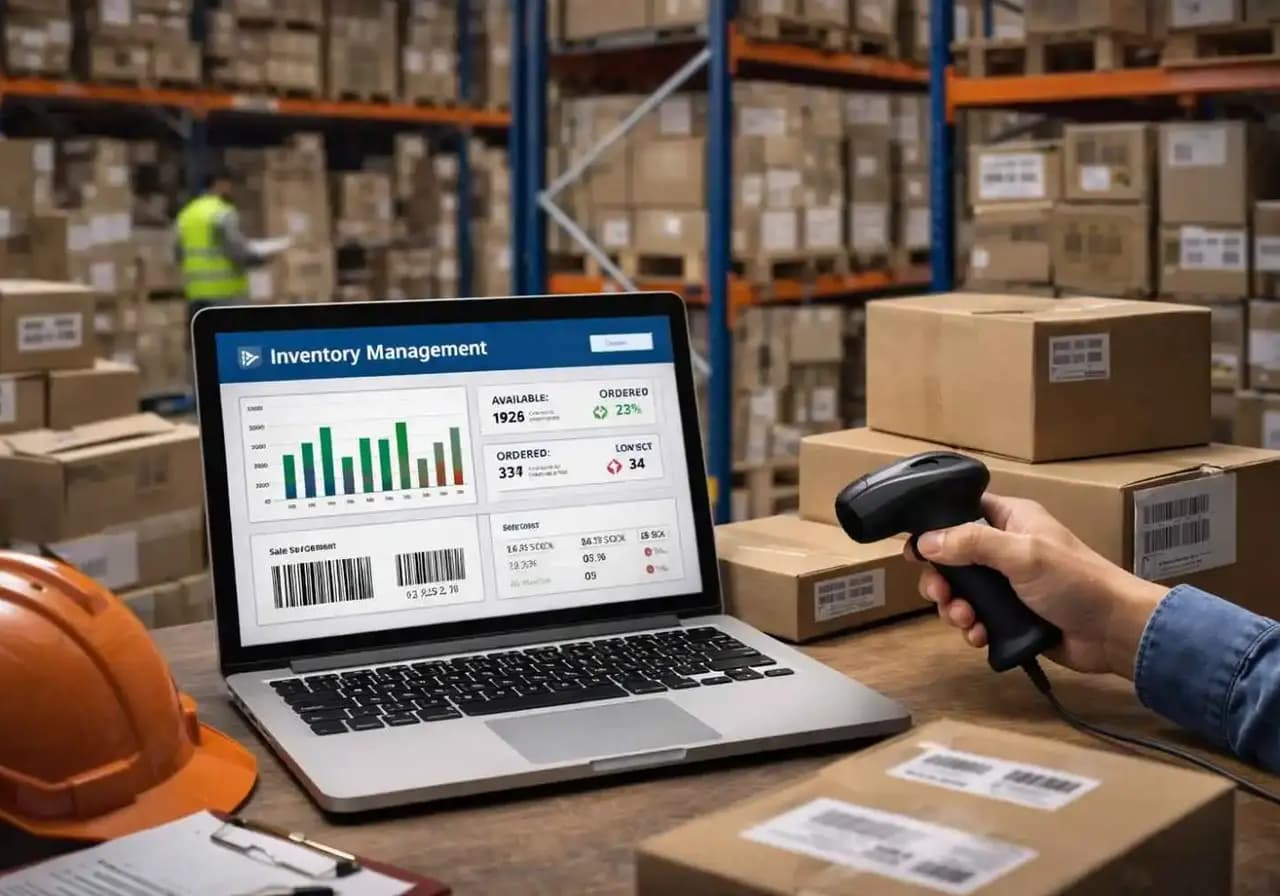
Manual warehouse work usually looks “manageable” right up until it doesn’t. You can see a few stock mismatches besides the delayed pick list. Someone may update quantity in one system, while someone else trusts a spreadsheet, and suddenly your team starts arguing over if the problem is stock, space, or staff. That is how many warehouse issues start in the UAE as operations grow faster, order expectations tighten, and fulfillment teams are asked to move quicker without better visibility.
A proper Warehouse Management System Implementation Guide matters because the software alone is not the fix. The way it is implemented is what decides if it becomes useful or just another expensive screen.
The UAE’s logistics sector is leaning harder into digitization and automation, and e-commerce demand keeps pushing fulfillment operations to get more accurate and faster.
So, today, let’s have a look at the guide for Warehouse Management System Implementation to know how it works.
Warehouse Management System Implementation Guide: Steps, Process & Best Practices
If you are reviewing options, this is the point where it makes sense to explore a dedicated warehouse management software solution rather than forcing inventory, picking, dispatch, and reporting into disconnected tools. At Penieltech, we position our
warehouse management software around real-time tracking, customization, and support for UAE businesses that need tighter control over daily warehouse work.
What is Warehouse Management System Implementation?
Warehouse Management System Implementation Process is actually the full process of planning, configuring, integrating, testing, and rolling out a WMS inside an actual warehouse operation. That includes more than software setup. It covers business goals, process mapping, inventory data cleanup, ERP integration, staff training, and go-live support. In plain language, it is the difference between buying a system and making it work on a busy warehouse floor where people are receiving goods, scanning bins, chasing dispatch cutoffs, and trying not to lose time.
Companies usually implement a WMS because manual control starts breaking down under volume. They need cleaner inventory records, better slotting, faster picking, fewer shipping mistakes, and a live view of stock instead of a delayed one.
Key Benefits of Implementing a Warehouse Management System
Improved Inventory Accuracy
WMS Implementation Best Practices reduce the usual manual-entry mess by capturing stock movements as they happen. Barcode-enabled workflows and structured inventory controls make discrepancies easier to catch before they spread into purchasing, sales, and finance.
Instant Warehouse Visibility
Instant visibility is one of the biggest reasons businesses stop relying on spreadsheets and patchwork updates. Modern WMS platforms help teams see current stock levels, item locations, and workflow status more clearly, which matters when fulfillment volume increases, and no one has time for guesswork.
Faster Order Fulfillment
Better task control means faster picking, packing, put-away, and dispatch coordination. When the system directs work properly, teams spend less time searching, correcting, and rechecking. Overall, WMS supports structured picking flows and integration with broader fulfillment processes, which is exactly where speed gains usually show up first.
Reduced Operational Costs
If you follow the guide for Warehouse Management System Implementation or other documents, you’ll find out that cost reduction usually comes from fewer errors, less rework, faster cycle counts, and tighter labor use rather than some magical overnight savings. Besides, decision-makers are also investing in automation, AI, and inventory visibility to improve performance and reduce errors and costs.
Better Warehouse Productivity
A WMS helps standardize how work gets done, which matters more than people admit. Not every warehouse problem is a staffing problem. Sometimes the team is working hard inside a weak process. Research says that 88% people agreed that increased use of technology and automation helps teams to boost frontline productivity.
Warehouse Management System Implementation Process
Step 1: Analyze Warehouse Requirements
As the first WMS Implementation Steps, start by looking at the warehouse as it really works, not as it appears in meetings. Map inbound receiving, put-away, replenishment, picking, packing, returns, cycle counts, and dispatch. Check where delays happen. Check which tasks still depend on memory, paper notes, or one experienced employee who somehow knows where everything is. A warehouse management system implementation process often goes wrong early when companies buy software before defining the operational problem properly.
Step 2: Select the Right WMS Software
This part gets rushed more often than it should. Businesses focus on features, but the real question is fit. The right platform should support your warehouse size, transaction volume, barcode workflows, integration needs, reporting needs, and future expansion. It should also handle automation and connectivity without becoming fragile the moment your business grows.
Step 3: Warehouse Process Mapping
If you are following this Warehouse Management System Implementation Guide, then remember to document current-state processes before you redesign anything. That includes goods receipt, bin allocation, batch or serial handling, transfer flows, and exception handling. This stage sounds boring, and it is. It is also where many future problems are prevented. You cannot configure a clean system around undocumented habits and half-verbal workarounds. The process has to be visible before it can be improved.
Step 4: System Integration with ERP
A WMS that does not integrate properly with ERP, accounting, or inventory platforms can create a new issue instead of solving the old ones. The warehouse implementation often requires planning, mapping, and data transformation across items, vendors, locations, facilities, barcodes, and other master data. That is why ERP integration should be treated as a core implementation stream.
Step 5: Data Migration
Data migration is where many projects get humbled. Old item masters, duplicate SKUs, missing units of measure, bad bin records, and inconsistent barcode logic all show up here. In other words, dirty data does not become clean just because it has been imported into newer software.
Step 6: Employee Training
You can have a technically sound rollout and still get a weak result if users do not trust the system. Training needs to start before go-live, not after confusion sets in. Staff need role-based practice for receiving, put-away, picking, counting, and exception handling.
Step 7: Testing and Deployment
Pilot testing matters because warehouses are messy in ways demos never are. So, test goods, users, scanning scenarios, damaged stock, short picks, urgent orders, and returns. Then do a phased rollout or pilot deployment before going live across the full operation.
WMS Implementation Timeline
As you know, how to successfully implement WMS, timelines matter now.
● A small warehouse can often complete implementation in around 1 to 2 months if processes are simple, the data is reasonably clean, and integrations are limited.
● A medium-sized warehouse usually takes closer to 3 to 6 months. This is where things get more realistic. There are more users, more SKUs, more exceptions, and usually at least one legacy process nobody documented properly.
● A large enterprise warehouse can take 6 to 12 months, sometimes longer when multiple facilities, ERP dependencies, automation equipment, or phased migration plans are involved.
Common WMS Implementation Challenges
Along with the WMS Implementation Steps, there are some challenges too.
Data migration issues
Bad master data is one of the most common reasons implementations start slipping. Duplicate items, inaccurate opening balances, inconsistent product naming, and outdated bin data create noise fast. Ultimately, the software ends up blamed for old data problems that were already there.
Employee resistance to change
People do resist changes that feel confusing, rushed, or imposed without context. But the good news is that now warehouse staff are often more open to useful technology than leaders assume, especially when they are involved early and trained properly.
Integration complexity
This is where otherwise promising projects get heavy. That’s why ERP synchronization, inventory logic, barcode standards, and automation controls all need careful mapping.
Budget limitations
Budgets tighten fast when businesses underestimate data cleanup, handheld devices, training time, labeling changes, and support after go-live. The truth is that cheap implementation usually becomes expensive later.
WMS Implementation Best Practices
In this Warehouse Management System Implementation Guide, you’ll learn about the best practices of WMS implementation.
● Always choose software that can grow with transaction volume, users, and operational complexity.
● Treat ERP integration as essential from day one. If stock, purchasing, and finance do not stay aligned, errors just move faster.
● Train employees early and by role. Generic training wastes time because a picker, an inventory controller, and a warehouse supervisor do not use the system the same way.
● Start with a pilot deployment when possible. Controlled rollout gives the team space to catch workflow issues before they affect the entire warehouse.
WMS Implementation Checklist
● Define warehouse goals and pain points.
● Review current workflows across receiving, put-away, picking, packing, and dispatch.
● Evaluate WMS vendors and product fit.
● Confirm ERP, accounting, and barcode integration needs.
● Clean and prepare inventory and master data.
● Configure warehouse locations, users, and permissions
● Train warehouse employees by role.
● Test transactions in a pilot environment.
● Validate reports, stock accuracy, and exception handling.
● Launch WMS implementation with post-go-live support.
How the Right Warehouse Management Software Improves ROI
ROI from WMS does not come from a flashy dashboard. It comes from gains that add up as faster picks, fewer count errors, less rework, cleaner inventory records, and better labor use.
There is also a broader market reason this matters now. The UAE continues to push logistics digitization, while e-commerce demand has kept pressure on fulfillment speed and accuracy. A warehouse that still depends on manual controls can survive for a while, but it usually starts paying for that decision in slower dispatch, overstocking, and avoidable stock disputes.
Looking for Warehouse Management Software?
If your business is trying to improve stock control, barcode-based operations, ERP integration, and warehouse automation without turning the rollout into a headache, this is where a better-fit platform matters. At Penieltech, our warehouse management software is positioned for businesses that need instant inventory tracking, configurable warehouse workflows, and integration support in the UAE market.
Conclusion
A warehouse usually does not fall apart in one moment. It gets worn down by repeated small failures like bad counts, delayed picks, confused handoffs, scattered data, and too much dependence on memory. That is why how to successfully implement WMS matters more than anything else.
The right Warehouse Management System Implementation Guide helps businesses move from manual control to operational control. If you do it properly, the system will improve visibility, support faster fulfillment, reduce avoidable errors, and give teams a cleaner way to work.
So, if you are planning a WMS rollout in the UAE, start with the basics, keep the process honest, and choose software that can actually fit the way your warehouse runs.
Optimize your warehouse operations with the right Warehouse Management System. Contact our experts today to schedule a free consultation.
Frequently Asked Questions
- What is WMS implementation?
WMS implementation is the process of planning, configuring, integrating, testing, and deploying a warehouse management system so it works inside real warehouse operations, not just in a software demo.
- How long does WMS implementation take?
It commonly takes about 1 to 2 months for small warehouses, 3 to 6 months for medium warehouses, and 6 to 12 months for larger or more complex operations. Data quality and ERP integration usually affect timelines as much as warehouse size.
Cost depends on warehouse size, number of users, integrations, hardware, data cleanup, labeling, training, and support requirements. The biggest budgeting mistake is ignoring implementation work outside the license itself.
- Can WMS integrate with ERP systems?
Yes, in fact, proper ERP integration is one of the most important parts of the warehouse management system implementation process.
- What are the benefits of warehouse automation?
Warehouse automation can improve visibility, reduce errors, support faster workflows, and improve productivity when it is tied to clear business goals and practical training.