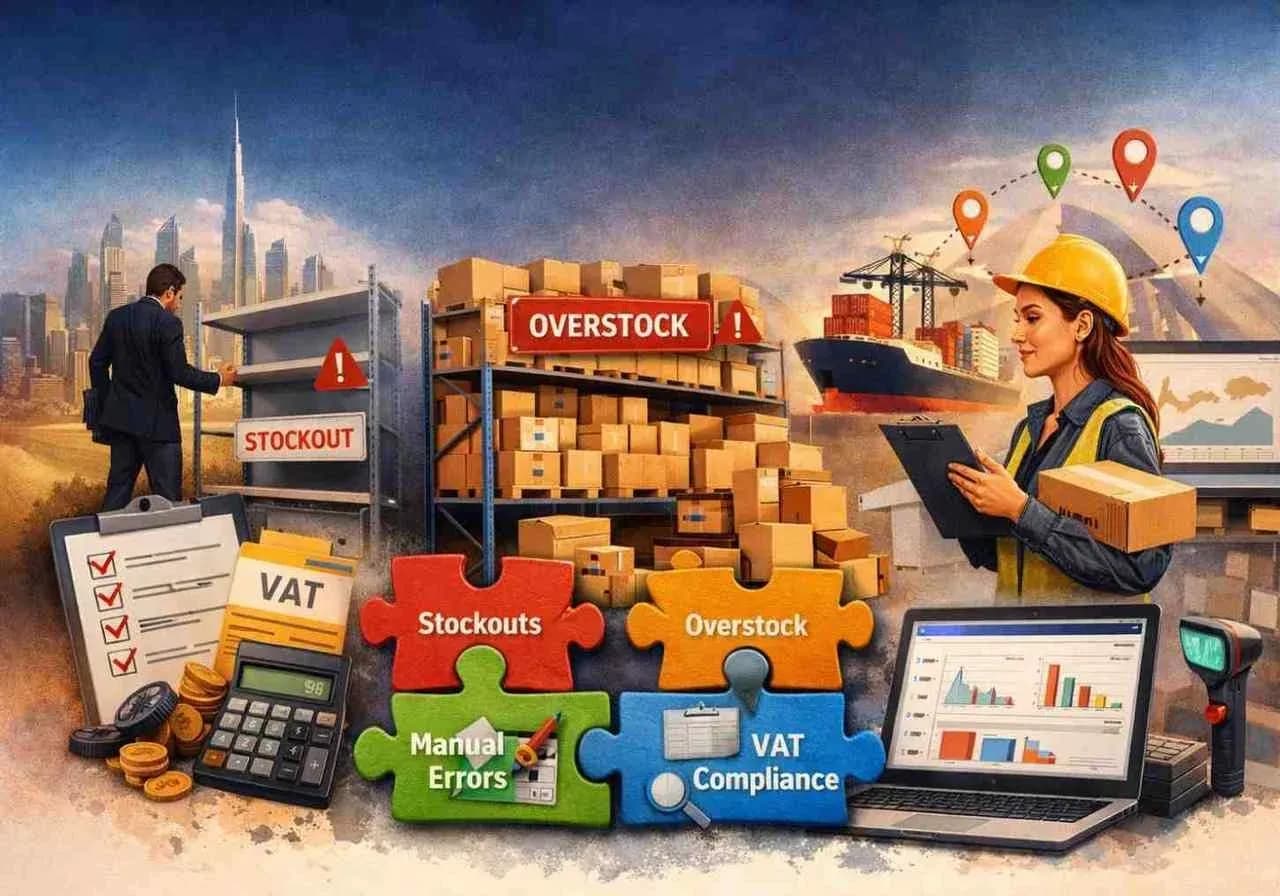
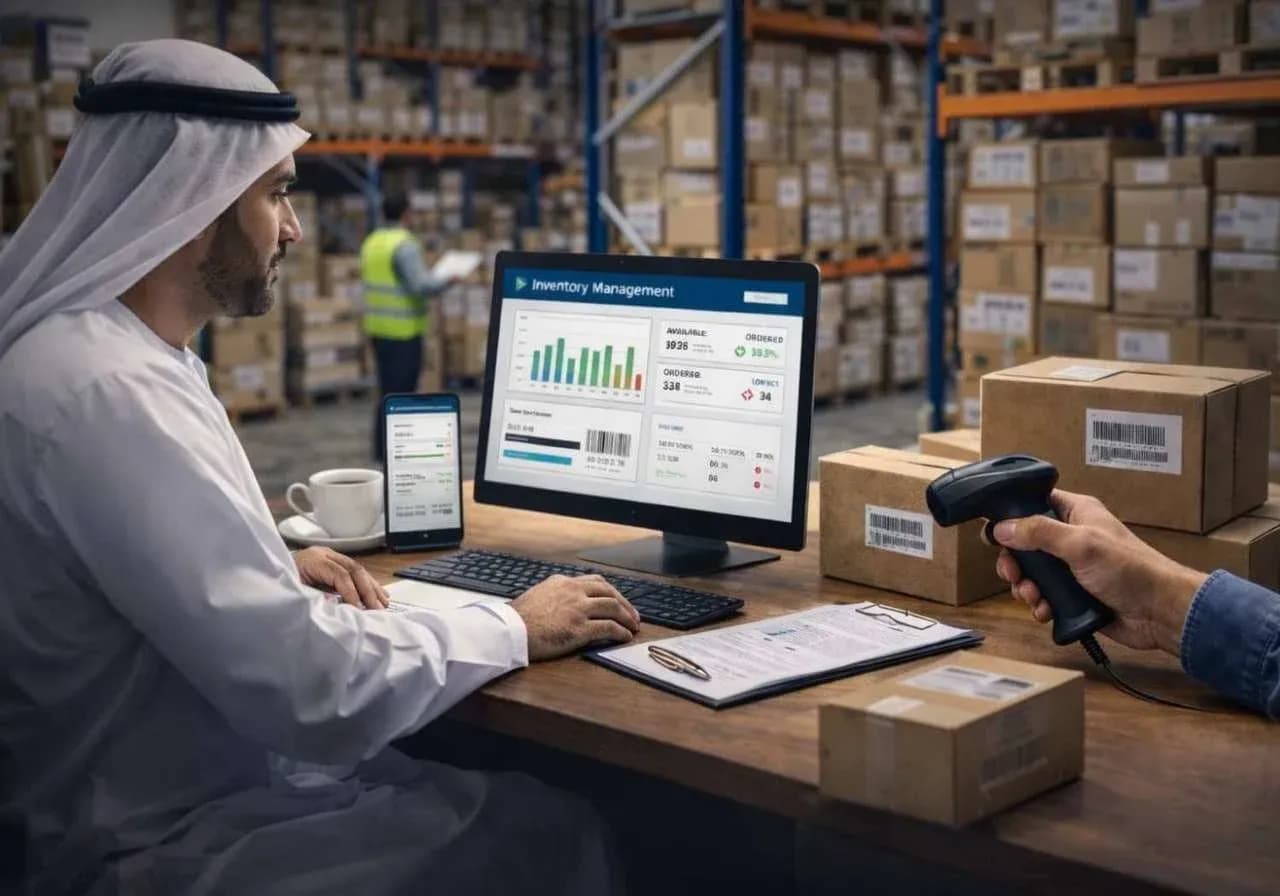
Retail looks simple from the outside until you stand behind the counter for a week. That is usually when the cracks start to show. You’ll notice that billing slows down during rush hour. At the same time, a barcode scanner stops working properly. Someone on the floor says stock is available, but the system says otherwise. By the end of the day, the owner is staring at numbers that feel vaguely wrong. Those numbers are not broken enough to stop business. But, just wrong enough to keep causing friction. This is where most retailers in the UAE need
POS software.
Odoo POS is reliable here for one main reason - it doesn’t operate in isolation. It can connect with inventory, accounting, CRM, purchase, eCommerce, and reporting in a way that actually reduces daily confusion. That matters a lot more than flashy screens or long feature lists. A POS system is useful because the cashier bills fast, the stock updates properly, the branch manager doesn't need to call other people to confirm a number, and the owner can finally trust what they are seeing.
Why UAE retailers usually reach this point
Businesses do not suddenly decide to replace their POS. It usually happens after months of irritation.
For example, a supermarket starts feeling the pressure of multi-item billing queues. At the same time, a fashion store struggles with variants, returns, and seasonal discount logic. A pharmacy wants better control over fast-moving stock. A mobile accessories shop has three branches, and each one seems to report sales slightly differently.
And then there is the more annoying part. VAT handling has to be clean. Product categories cannot be a mess. End-of-day closing has to be tighter than anything else.
A lot of retail owners in the UAE have already gone through the phase of using something cheap, basic, or badly fitted to their business. It works for a while. Then growth turns it into a liability.
That is where
Odoo POS starts becoming a serious option.
What is Odoo POS
Some people still think POS software begins and ends at invoice generation. That thinking usually creates bigger problems later.
A proper POS system should stay inside the larger day-to-day reality of the business. When a sale happens at the counter, stock should move, and accounts should reflect it properly. In the meantime, customer data should not disappear into a dead end. Promotions should apply the right way, and reporting should not need manual cleanup before management can read it.
This is why Odoo POS works well for retailers who are done with disconnected tools.
Odoo can support:
- Fast product search and barcode-based billing.
- Multiple payment methods.
- Integrated reporting with other Odoo modules.
Overall, it removes the small daily mismatches that slowly drain a retail business.
Odoo POS setup is where most of the work happens
This is the part people underestimate.
They assume setup means entering products, connecting a printer, and moving on. In reality, setup is where the future mess either gets prevented or quietly planted.
A clean Odoo POS setup for a UAE retailer should cover far more than the front-end screen. It starts with understanding how the store actually works, not how someone wishes it worked.
Product structure
Categories, attributes, variants, barcodes, SKUs, units of measure, tax mapping, and pricing rules matter. If these are inconsistent, the POS will feel clumsy, no matter how good the system is. A clothing retailer needs size and color variants handled properly. A grocery business may need weight-based items and rapid barcode scanning. An electronics shop may need serial or warranty-linked sales processes. Overall, the setup has to fit the business.
Tax and VAT configuration
This is not the place for guesswork. VAT has to be applied correctly across products, invoices, and reports. A retailer should not have to discover tax configuration mistakes after weeks of transactions. It is one of those issues that looks small until someone tries to reconcile sales or prepare reports and realizes the setup was loose from the start.
Payment methods and checkout flow
Cash, card, split payments, store credit, wallet flows, and delayed payments all need to be configured around real counter activity. A good setup also means keeping checkout simple. A POS screen should not force staff through unnecessary clicks just because the backend was poorly thought through.
Hardware integration
Printers, barcode scanners, cash drawers, receipt printing, and customer displays - this is where retail teams lose patience very quickly. No one cares how elegant the software architecture is if the receipt printer doesn’t cooperate during the evening rush. Hardware compatibility and live environment testing matter more than any kind of polished technical language.
Multi-branch logic
For retailers with more than one outlet, setup gets more serious. You need branch-wise stock visibility, pricing consistency, local flexibility, cashier rights, session control, and reporting that makes comparison possible without turning into spreadsheet cleanup every weekend.
Customization is where Odoo becomes useful
Out of the box, Odoo POS is strong. But retail businesses are rarely standard. Even when two stores sell similar products, their workflow can be very different. One may want quick billing with almost no customer capture. Another may depend heavily on loyalty, repeat buyers, and promotional logic. One may need to exchange workflows handled tightly. Another may care more about branch-level stock transfers and sales visibility.
Customization matters because real businesses are uneven. At Penieltech, we do not treat customization like decoration. It is all about shaping the system around actual retail operations.
That can include:
Customized billing workflow
Some retailers want quicker product lookup. Others may want mandatory cashier prompts. Some people need special discount approval logic, and some want notes against line items or flexible return handling. Small changes here can save your staff from repeating the same awkward workarounds all day.
Role-based permissions
Not every employee should have access to everything. Cashiers, supervisors, branch managers, and owners do not need the same controls. That’s why you need role-based permissions.
Customer loyalty and promotions
Most retailers already know that random discounts eat margin fast. Loyalty programs need structure. Promotions need rules. Buy-one-get-one offers, category-based discounts, festive campaigns, point systems, and coupon logic can all be configured in a way that supports sales without turning the counter into confusion.
Integrations with accounting, CRM, eCommerce, and more
This matters more than many businesses realize. When POS data stays trapped inside the counter system, reporting becomes shallow. When it connects properly to accounting and inventory, you get clarity. When it connects to CRM or eCommerce, customer activity stops being fragmented for you.
And yes, customization should be controlled. Not every request is a good idea. Some businesses over-customize because they want software to preserve every old habit. That is usually a mistake. Good customization solves real friction. Meanwhile, bad customization just fossilizes bad processes.
Support is what separates a successful implementation from a pretty disaster
This is the least glamorous part of the conversation, and maybe the most important.
Retail does not pause because software needs attention. A store cannot tell customers to come back later because a session is stuck, a terminal is misbehaving, or stock is not syncing properly.
That is why support matters after go-live.
A lot of businesses get solid implementation, but what they really need is reliable post-launch support. There is a difference. The first gets the system live. The second keeps it useful.
For UAE retailers, Odoo POS
support usually involves things like:
- User training and retraining.
- Issue diagnosis during live billing hours.
- Printer or device troubleshooting.
- Tax or pricing corrections.
- Workflow adjustment after real usage begins.
- Report clarification for management.
- Update support and system maintenance.
Because your staff does not use systems exactly the way consultants imagine. Here, shortcuts appear, and edge cases show up.
That is the reason support exists. Because retail is messy in ways documentation never fully captures.
Common mistakes retailers make during POS implementation
Choosing speed over fit
Businesses rush the implementation because they are tired of their current system. Fair enough. But rushing the setup without understanding store operations usually creates a cleaner-looking mess, not a better one.
Copying another retailer’s workflow
This happens more than people admit. Someone sees another store’s billing flow and assumes it will suit their own business. It often does not. Product mix, transaction volume, return behavior, staff skill level, and branch structure all matter a lot.
Treating product master data casually
This is one of the most common self-inflicted problems. There are duplicate items, inconsistent naming, bad barcode mapping, sloppy units, and unclear categories. Later, users blame the POS for issues that were seeded in master data.
Ignoring training because the system “looks easy”
A clean interface helps, but it does not replace process understanding. Staff need to know how to handle billing, returns, session opening and closing, payment mismatches, customer records, and exceptions. Otherwise, the same mistakes get repeated under pressure.
What UAE retailers usually want from Odoo POS support
Retailers want someone to answer the real question underneath the question.
If a branch says billing is slow, they may not care if the issue is hardware, cache, workflow design, product load, or user behavior. They just want the counter to move properly again.
If management says stock is off, they do not want a vague explanation. They want to know if the problem comes from receiving, internal transfer, returns, manual adjustment, or POS configuration.
If finance says reports do not match expectations, they want someone who understands both transaction flow and accounting impact.
That is what good support looks like. Just competent help at the point where business frustration begins.
Odoo POS is a good system. That does not mean it sets itself up.
Some businesses assume that choosing good software solves the problem automatically. It does not. Good software in the wrong hands still creates bad outcomes. Weak setup, shallow customization, and absent support can make a strong platform feel unreliable.
Odoo POS can be a very good fit for UAE retailers. But the value does not come from the product name alone. It comes from how the system is structured, adapted, and supported after it goes live.
That is the difference between a POS that becomes part of the business and a POS people quietly complain about every day.
Why Penieltech works differently on Odoo POS projects
A lot of software providers are good at selling software. Fewer are good at living with the consequences of what they sell.
We take a more practical route.
At Penieltech, our role is not just to install Odoo POS and hand over credentials. We work with UAE retailers to set the system up properly and continue supporting it when live business starts exposing the rough edges.
We know that not every business needs a huge implementation. Sometimes the smartest setup is the simplest one. And sometimes the right answer is not more customization, but less clutter and better logic.
Conclusion
Retail has enough moving parts already. None of that gets easier when the POS is half-fitted to the business.
Odoo POS can bring order to that mess, but only when it is implemented with some realism that understands what retail pressure actually feels like.
That is what we do at Penieltech. We help you with a POS system that works the way a UAE retail business actually needs it to work.